Delivery
Delivery
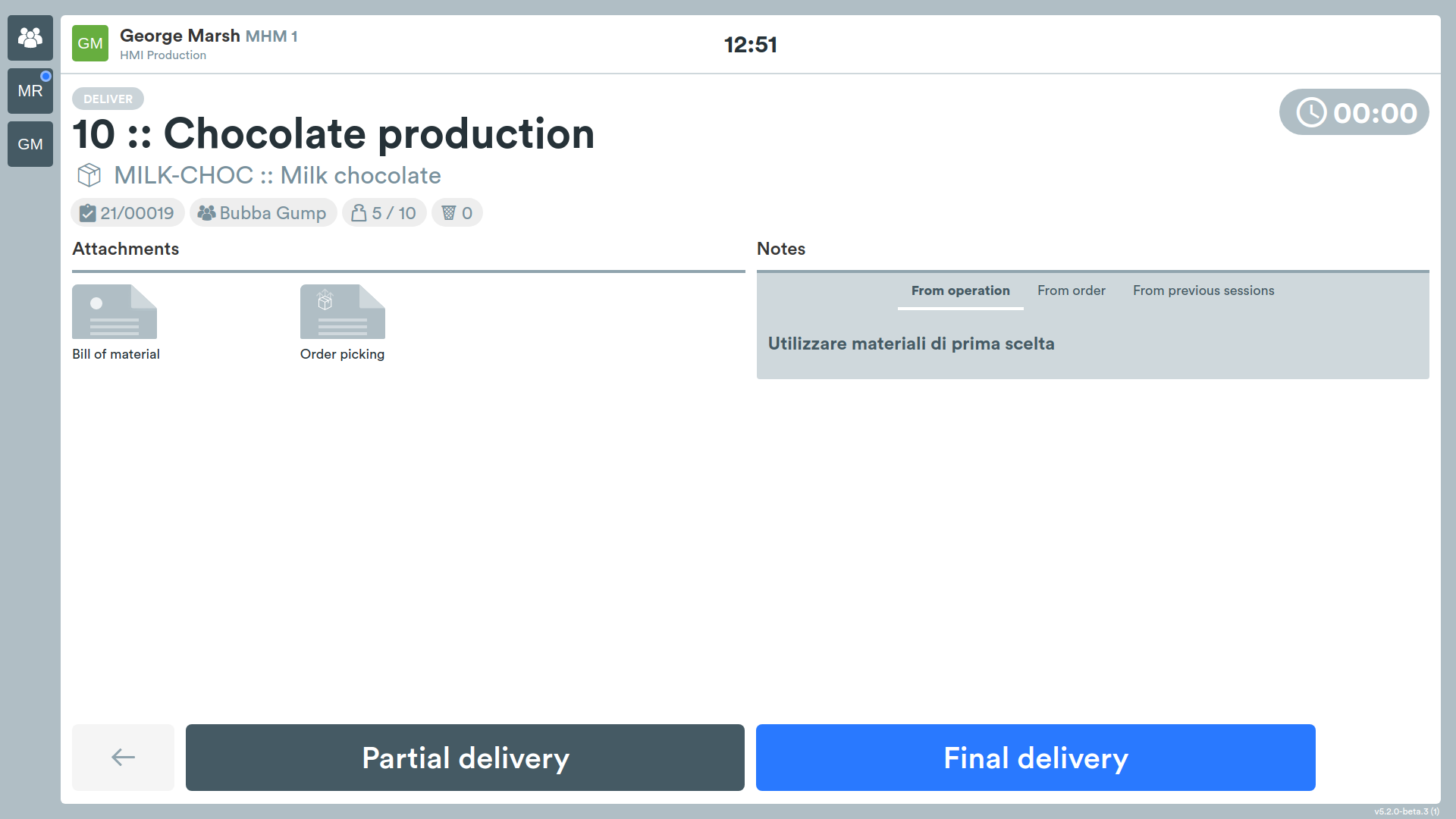
The operator, having finished the work session, must declare the quantities produced.
Types of Delivery
On this screen it will be possible to choose between:
- partial delivery
- final delivery
Partial Delivery
When multiple work sessions are expected to complete the required batch, this type of delivery should be chosen.
Afterwards, it will be possible to resume the work and complete it.
Final Delivery
In this case, the operator communicates to the system that the operation has been completed, therefore it will no longer be possible to take it back in charge.
Entering Produced Pieces
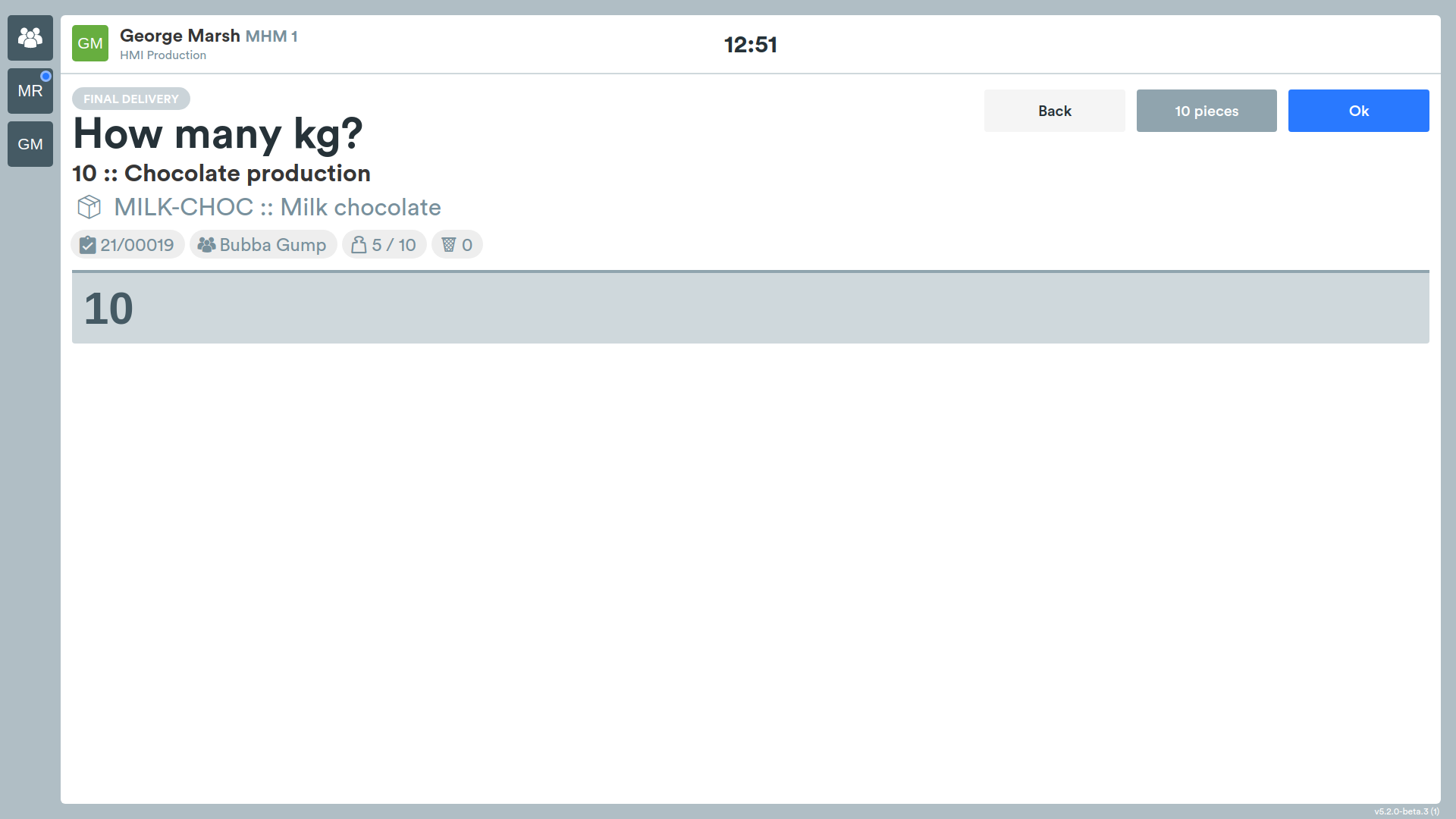
In this screen it will be possible to indicate the number of pieces produced.
Entering Scrap
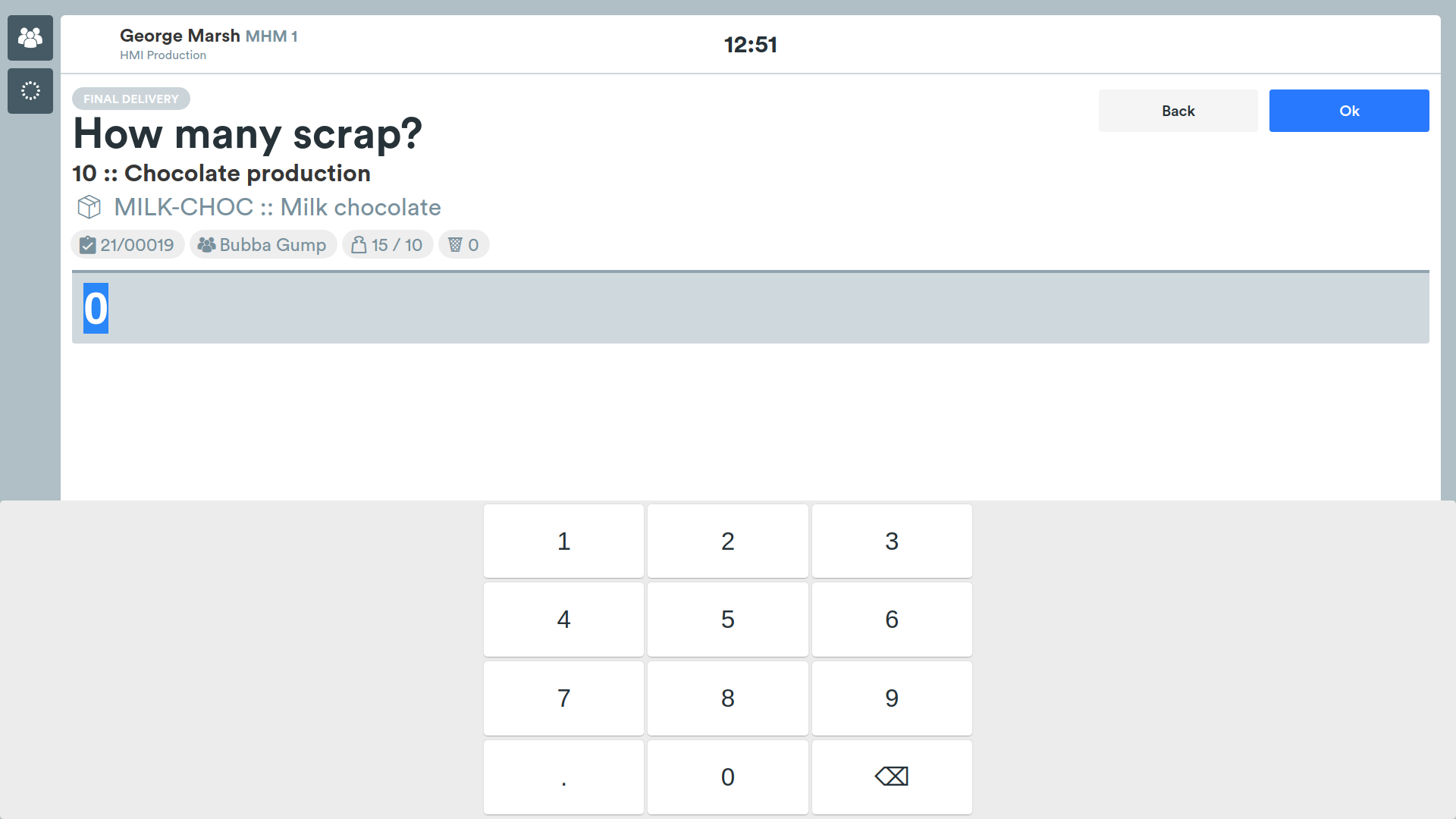
In this screen it will be possible to indicate the number of products considered scrap.
Entering Notes
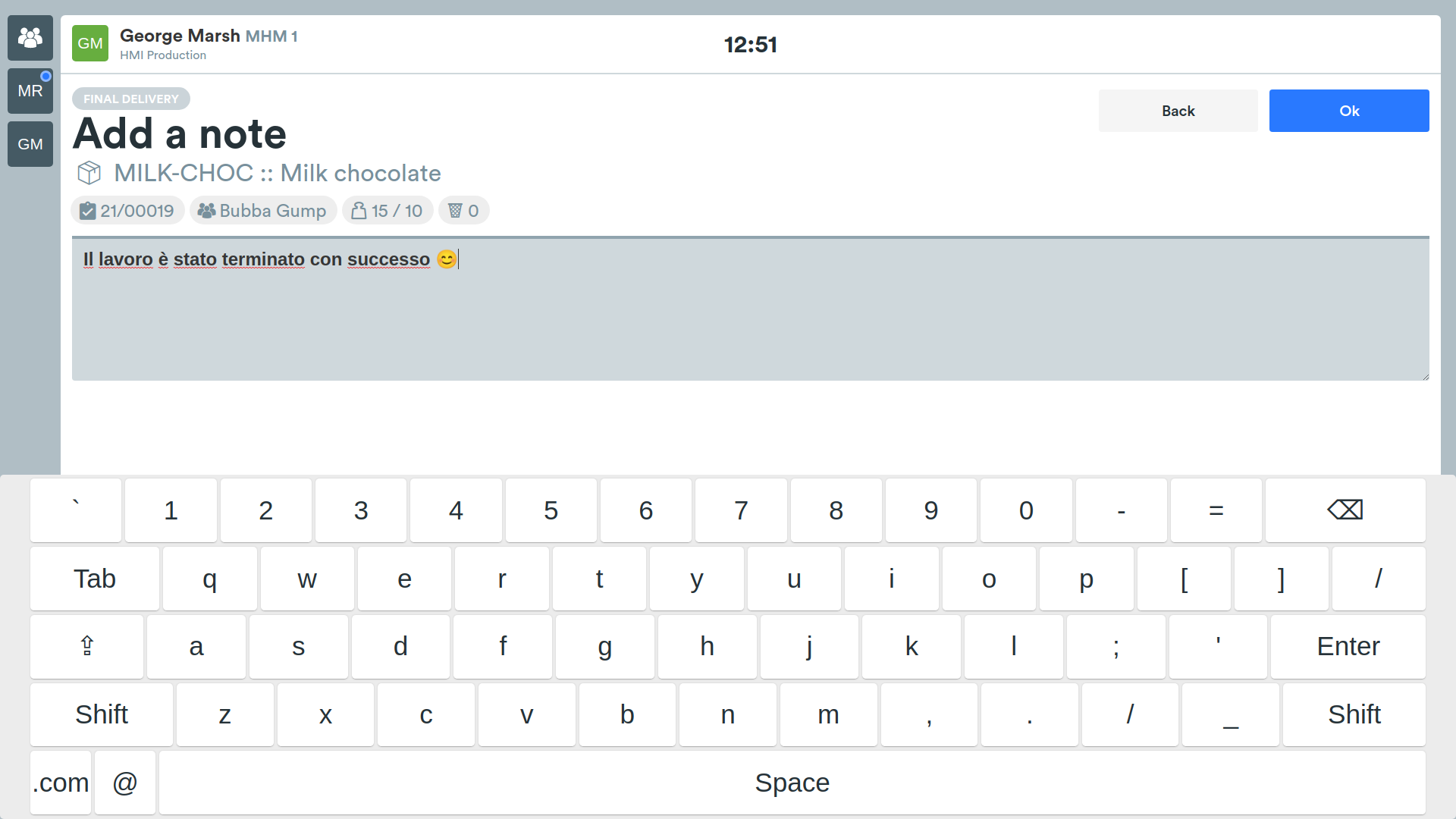
Finally, the system will show a last screen in which it will be possible to insert a note.
These notes will be viewed by:
- managers;
- operator who will take charge of the same operation (in case of partial delivery);
- operator who will take charge of the next operation.
End of Work Session
The system will show a screen containing the following buttons:
- next operation/s;
- end session;
- new order;
- new operation.
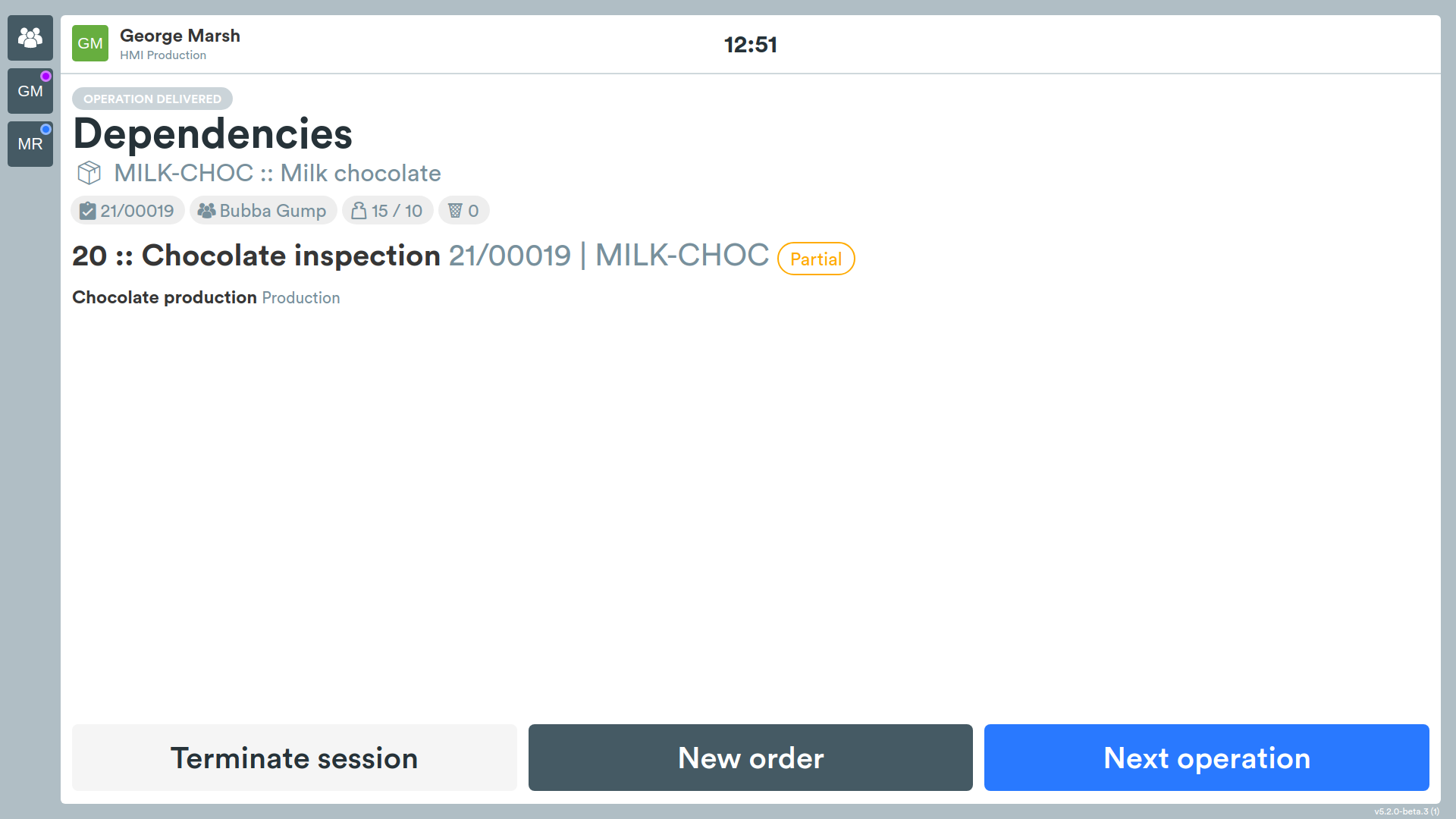
End session will log out of the system showing the initial HMI screen.
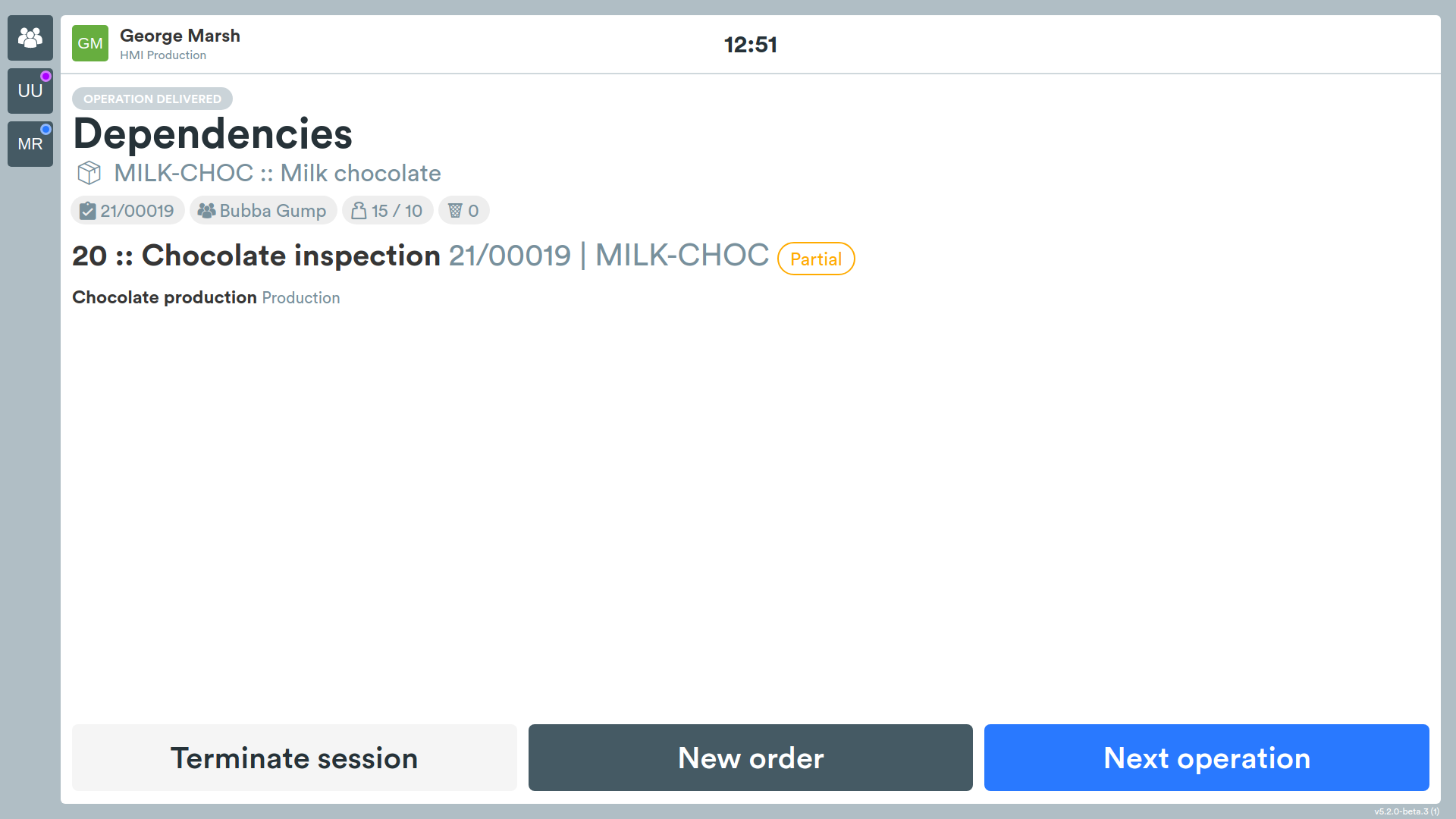
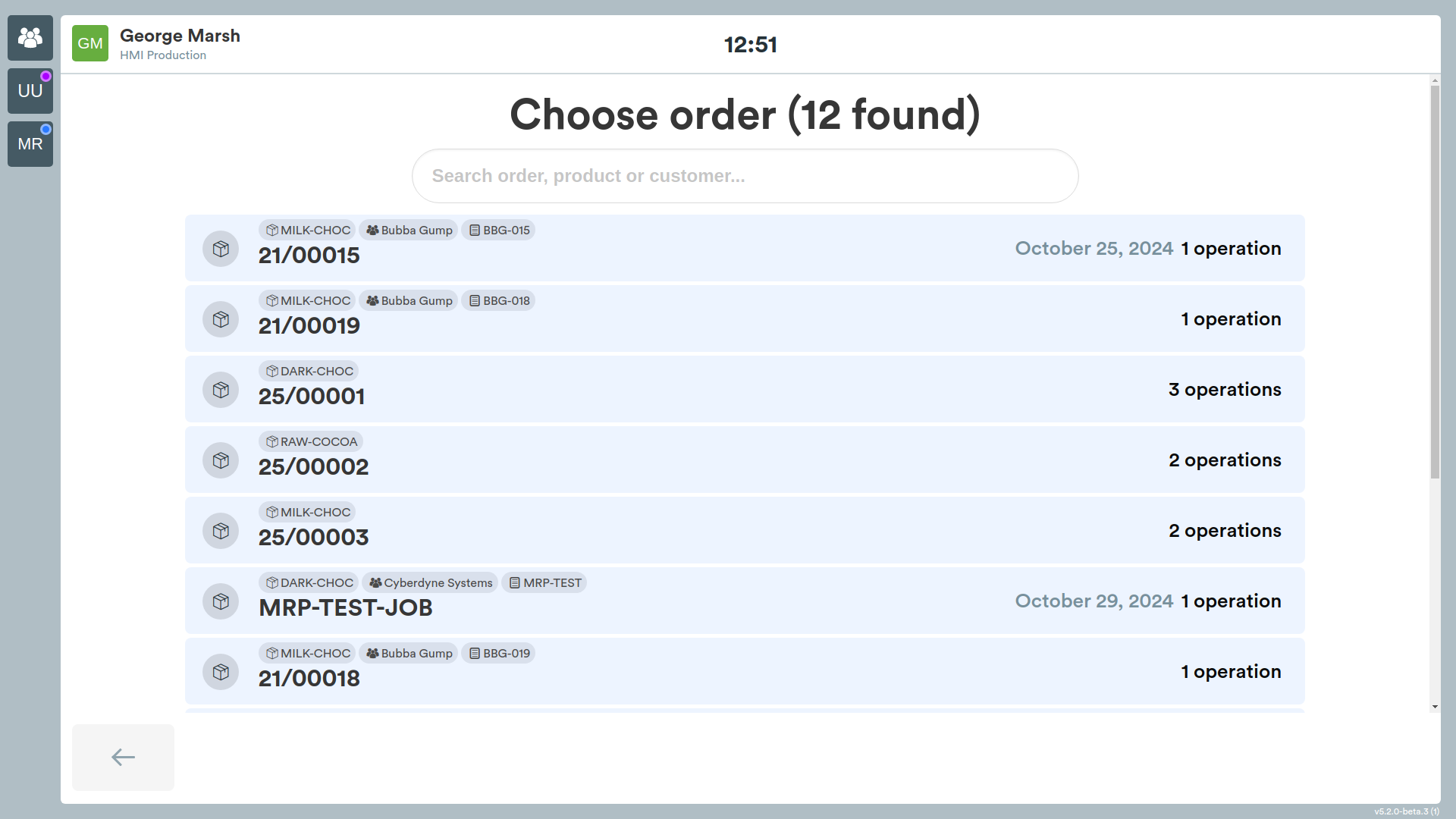
New order will allow you to select a new production order.
New operation will show the operator the next operation within the previously selected production order available on the current workstation.