Error Reporting
If during the execution of one of the steps a problem occurs that hinders the continuation of the operation, it is possible to report it by selecting Problem after pressing the Menu button located at the top right.
The manager will receive information about the problem in real time and will be able to verify that it is resolved.
Once the button is pressed, you can choose whether the problem can be resolved independently or whether it is necessary to request the intervention of a supervisor.
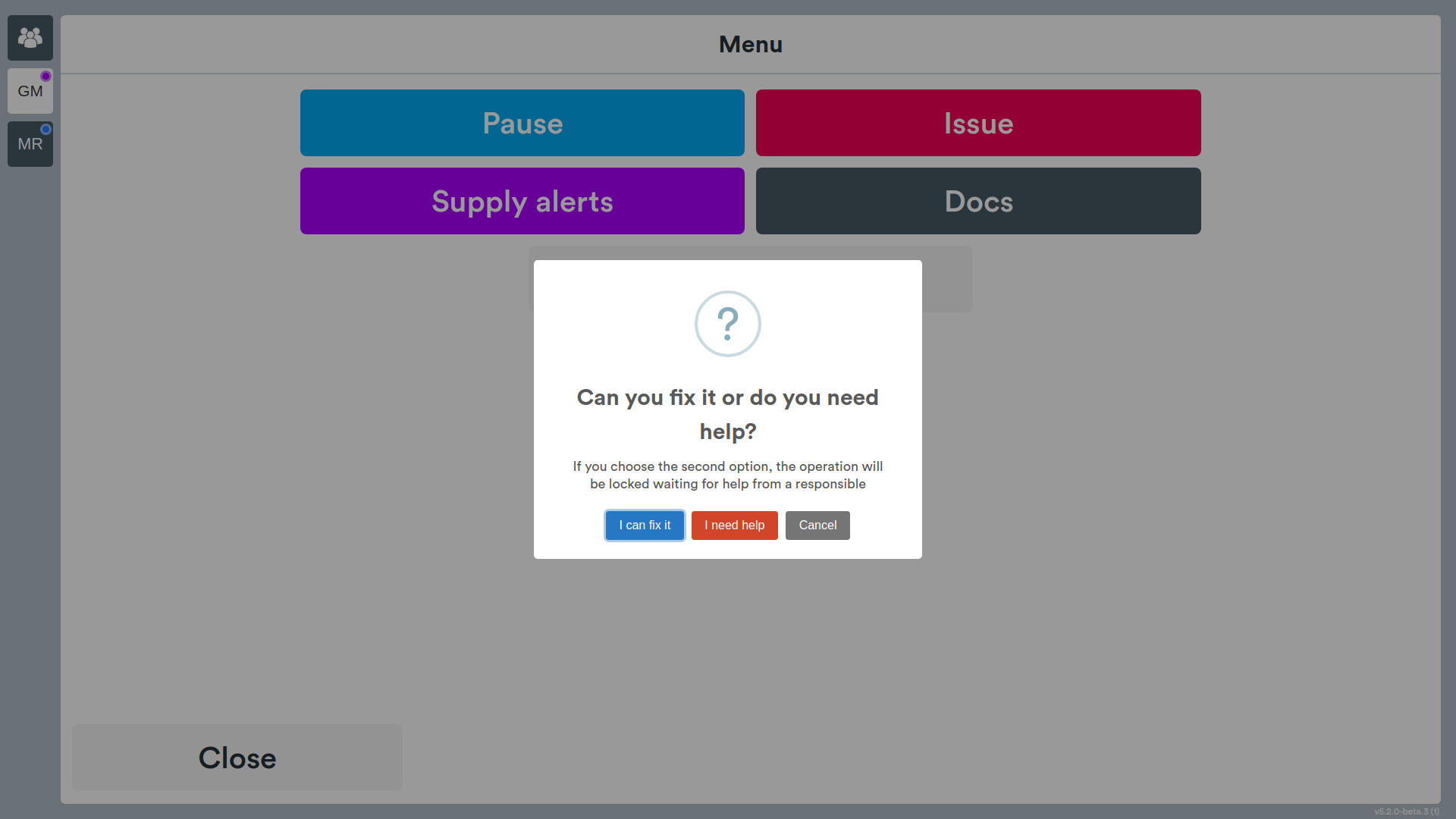
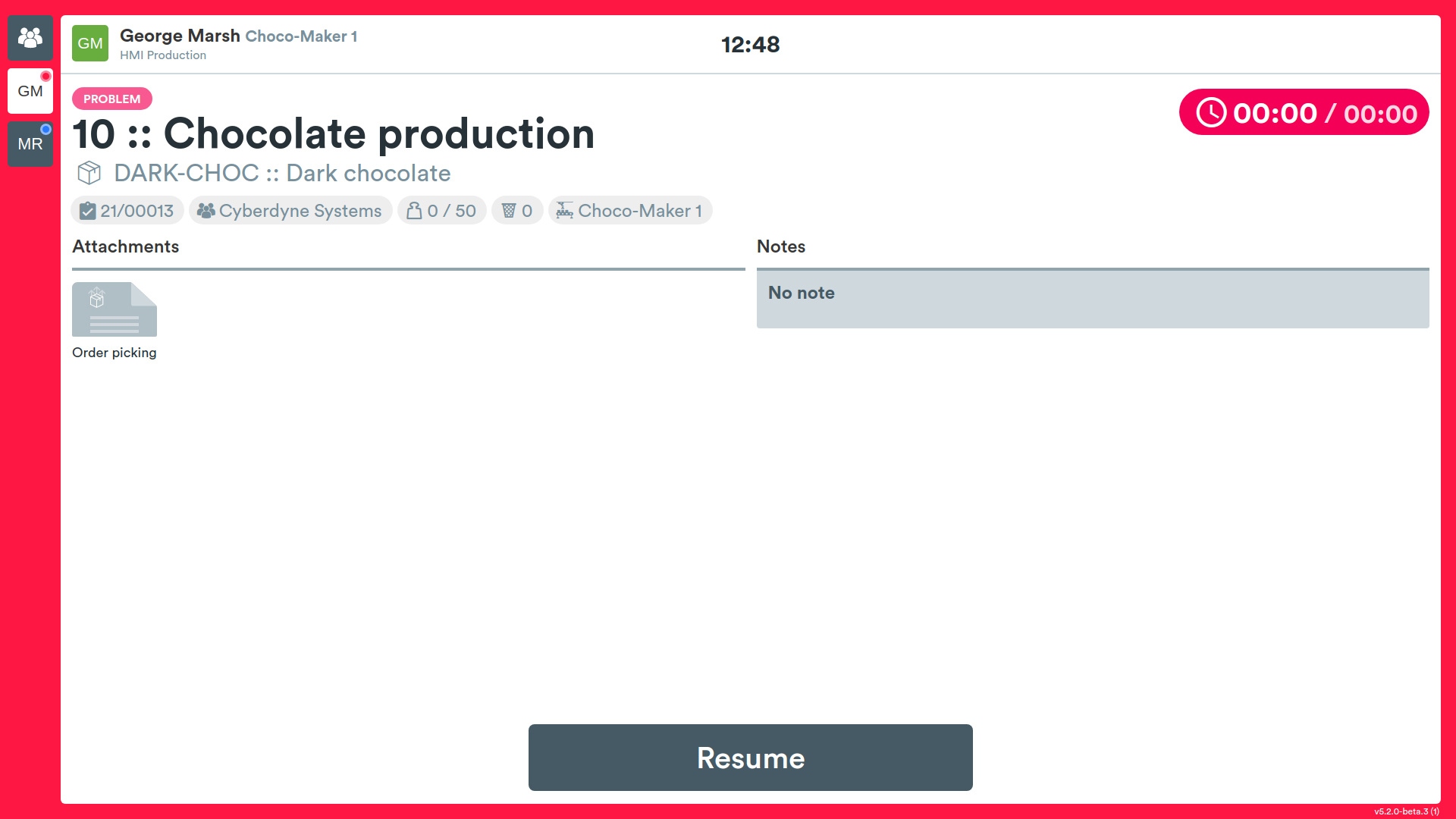
If the operator selects the first option, they will find themselves on a screen with a time counter, when the problem is resolved they will then have to press the Resume button.
If you select the second option instead, the HMI will show a screen that allows you to choose the fault from the configured fault types. The list of faults is no longer fixed: it is loaded from the system configuration, so each plant can define its own fault types. Each entry is accompanied by an icon indicating its severity (low, medium, high or critical).
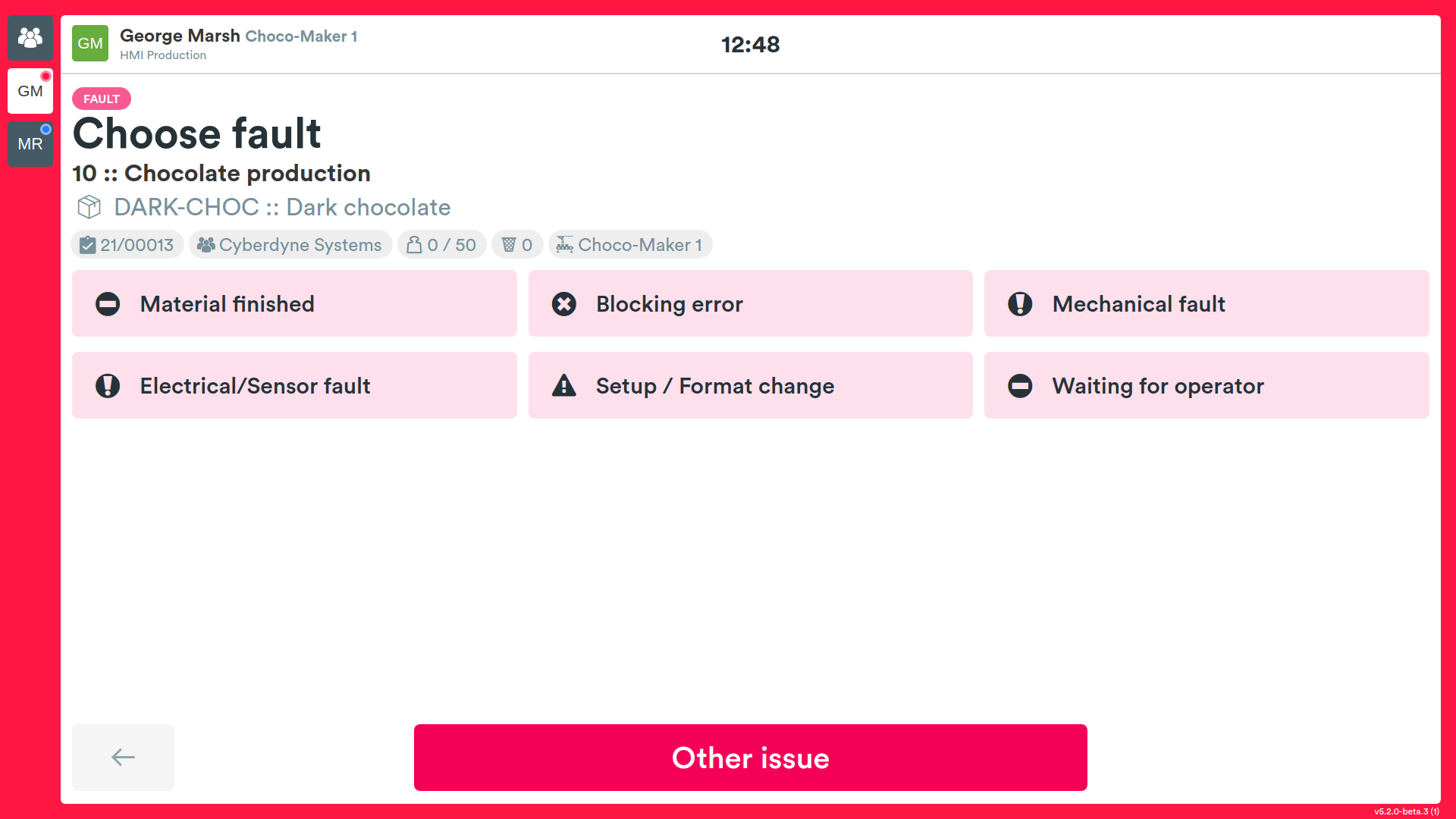
When a type is selected, besides the fault description its category and severity are also recorded; this information is sent to the supervisor together with the report.
If the fault is of a different type, the operator must press the Other issue button to provide a further description.
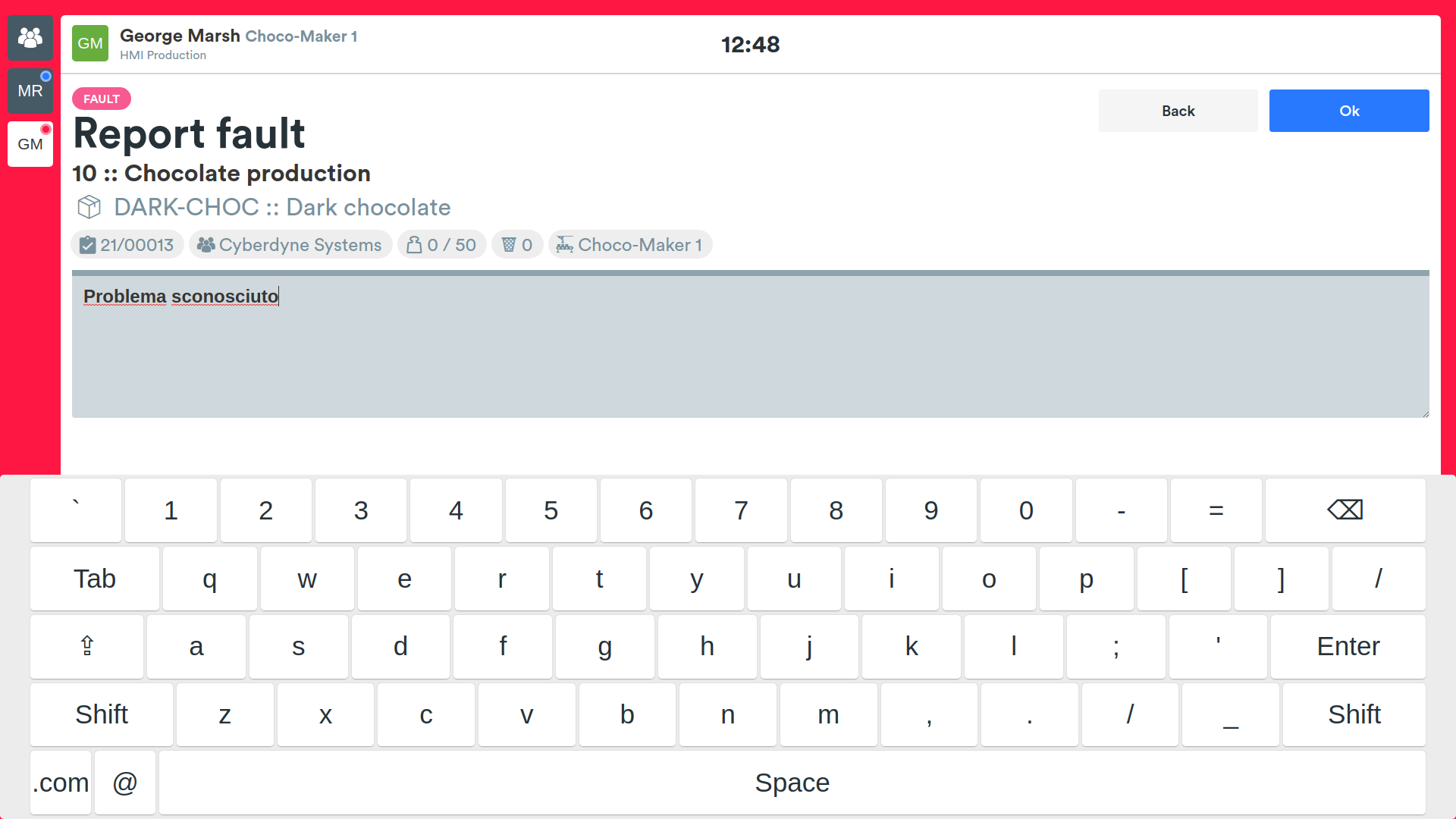
Once the problem is selected, the system will show the operation delivery screens.
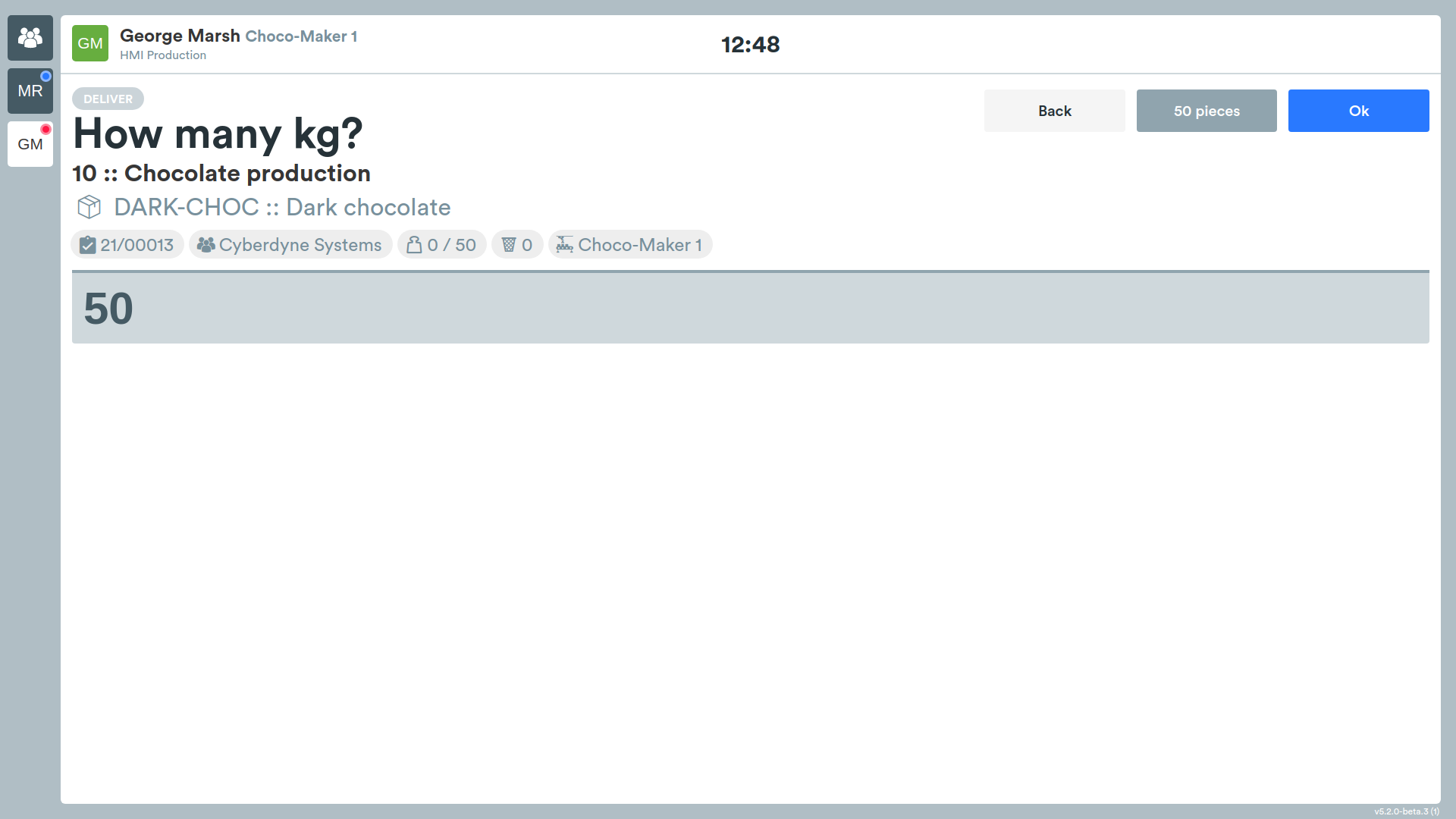
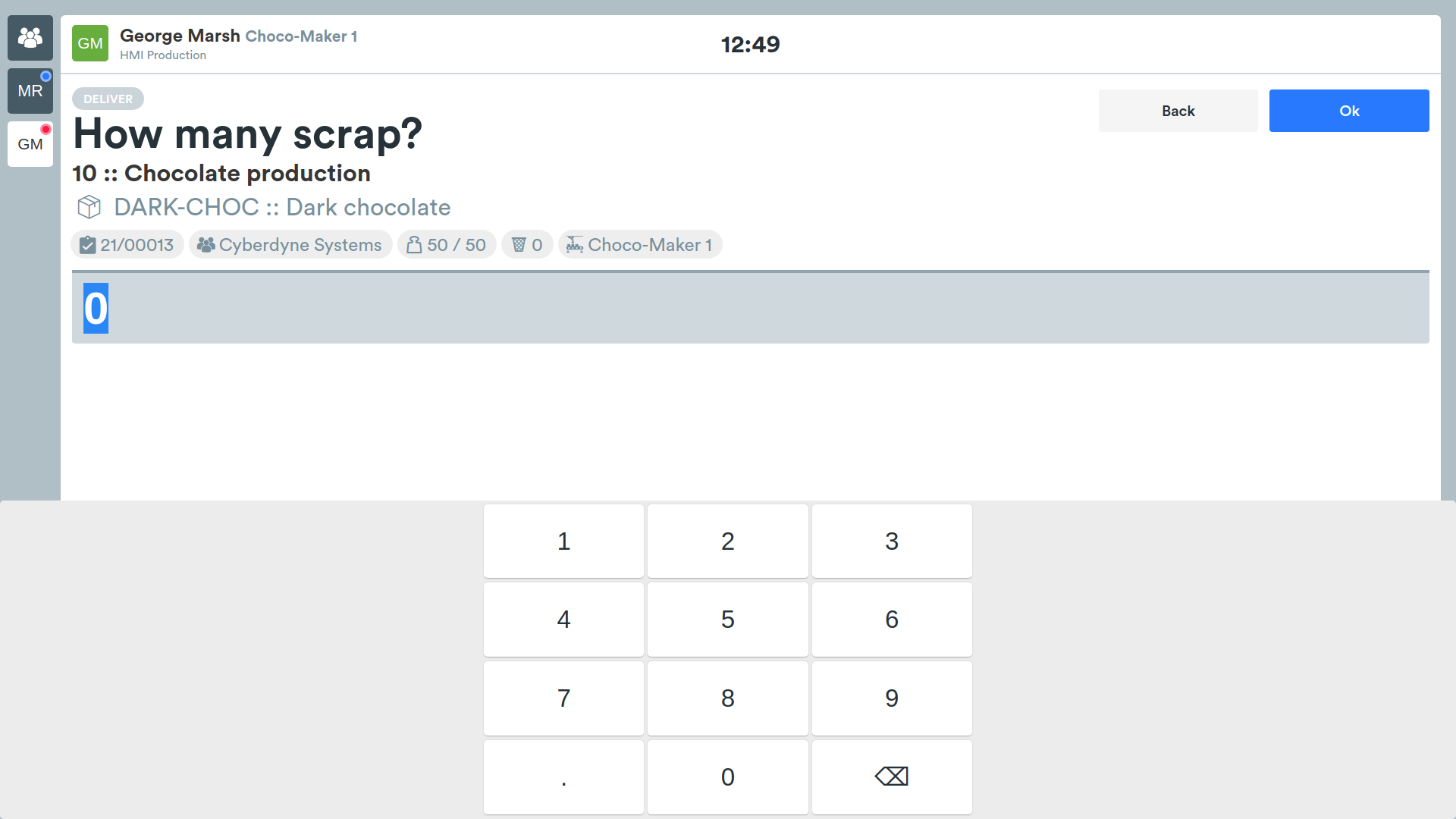
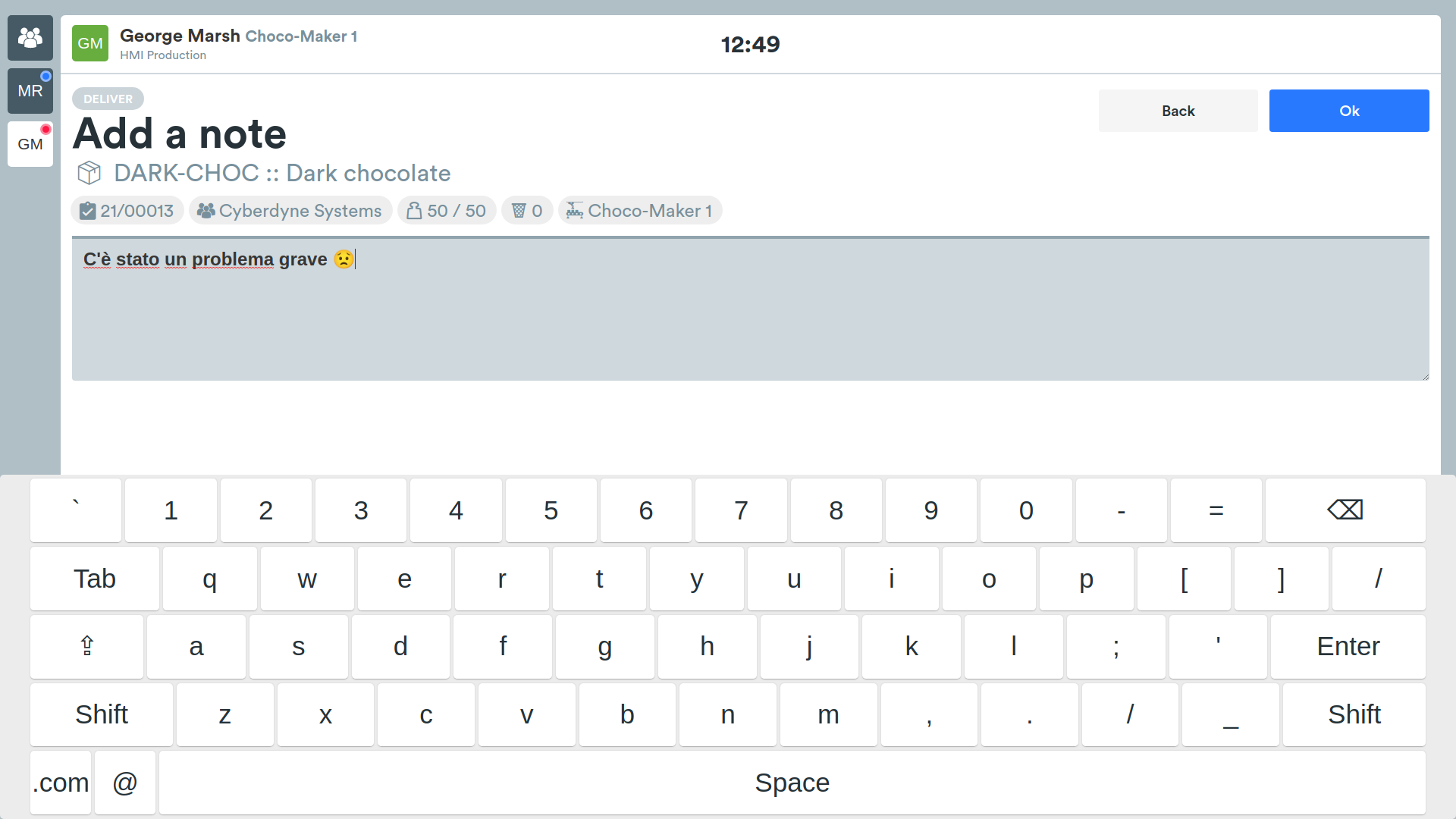
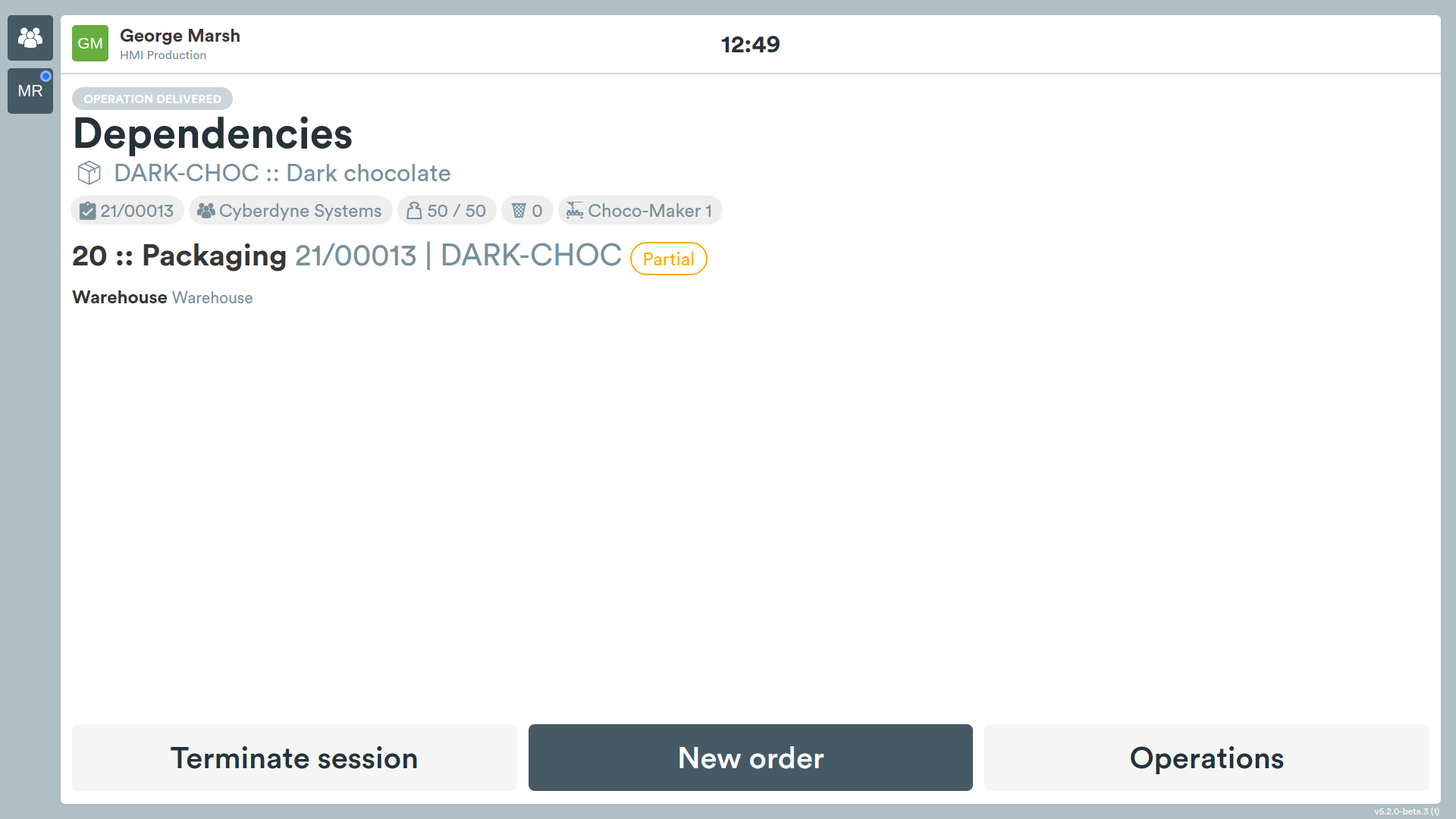
The operation for which the error was reported can no longer be taken in charge until a supervisor has confirmed the resolution of the problem through the Manager interface, only then will it be possible to resume the operation.