Connect4i ✨
This MES module is designed for connecting machines with the system and allows access to various tools related to Industry 4.0 and 5.0.
- collection, processing and storage of data from machinery based on production orders.
- bidirectional data exchange with machines (machine programs can be sent to machines when starting the work session in the MES from the operator interface).
- monitoring of productive resource consumption (gas, water, electricity, etc.)
- monitoring of electricity production from different sources.
Machines
After selecting the workstation, the user is shown the list of machines connected to that station.
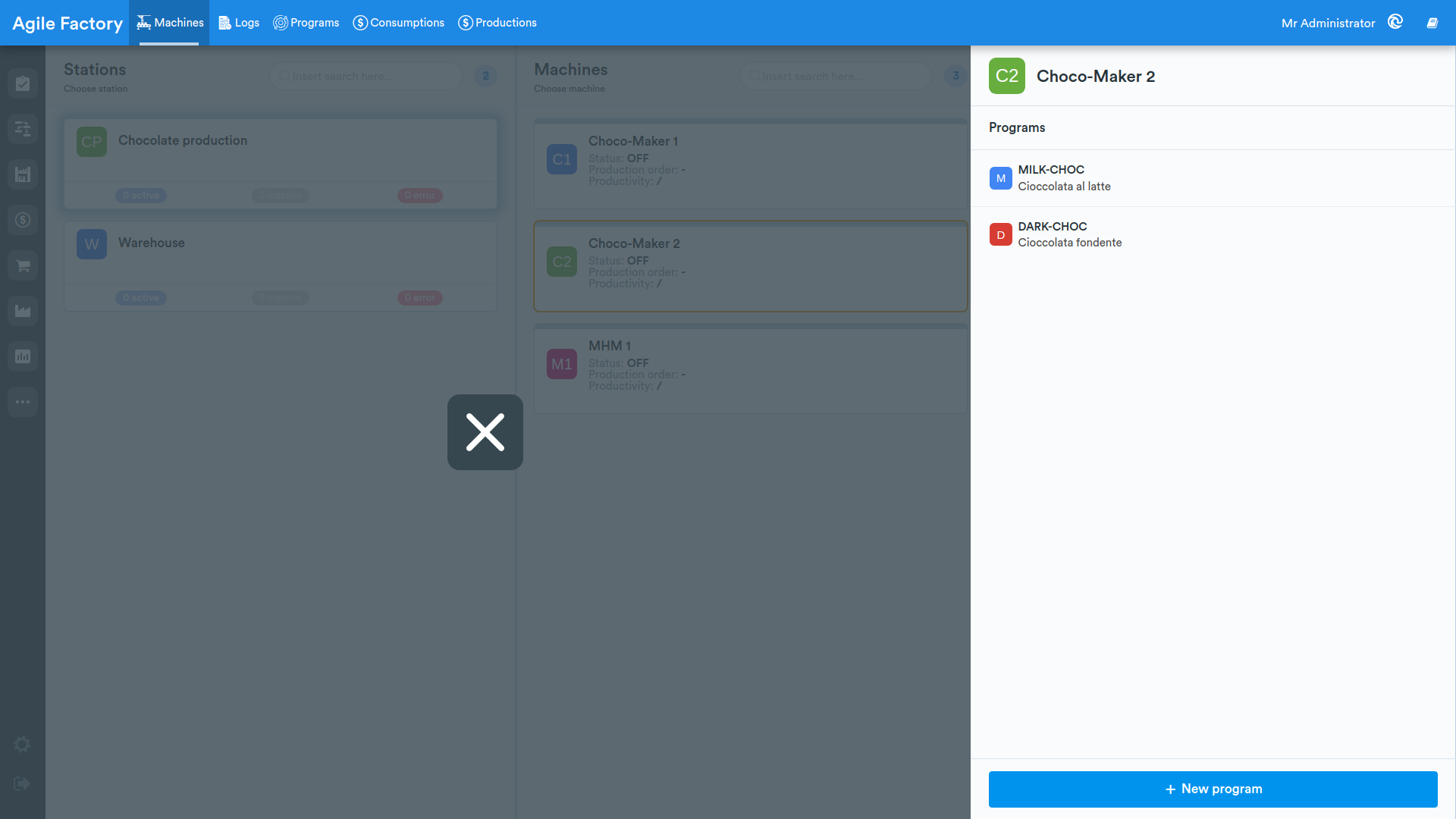
By selecting a specific machine, the list of programs intended for that machine will be displayed in the right panel.
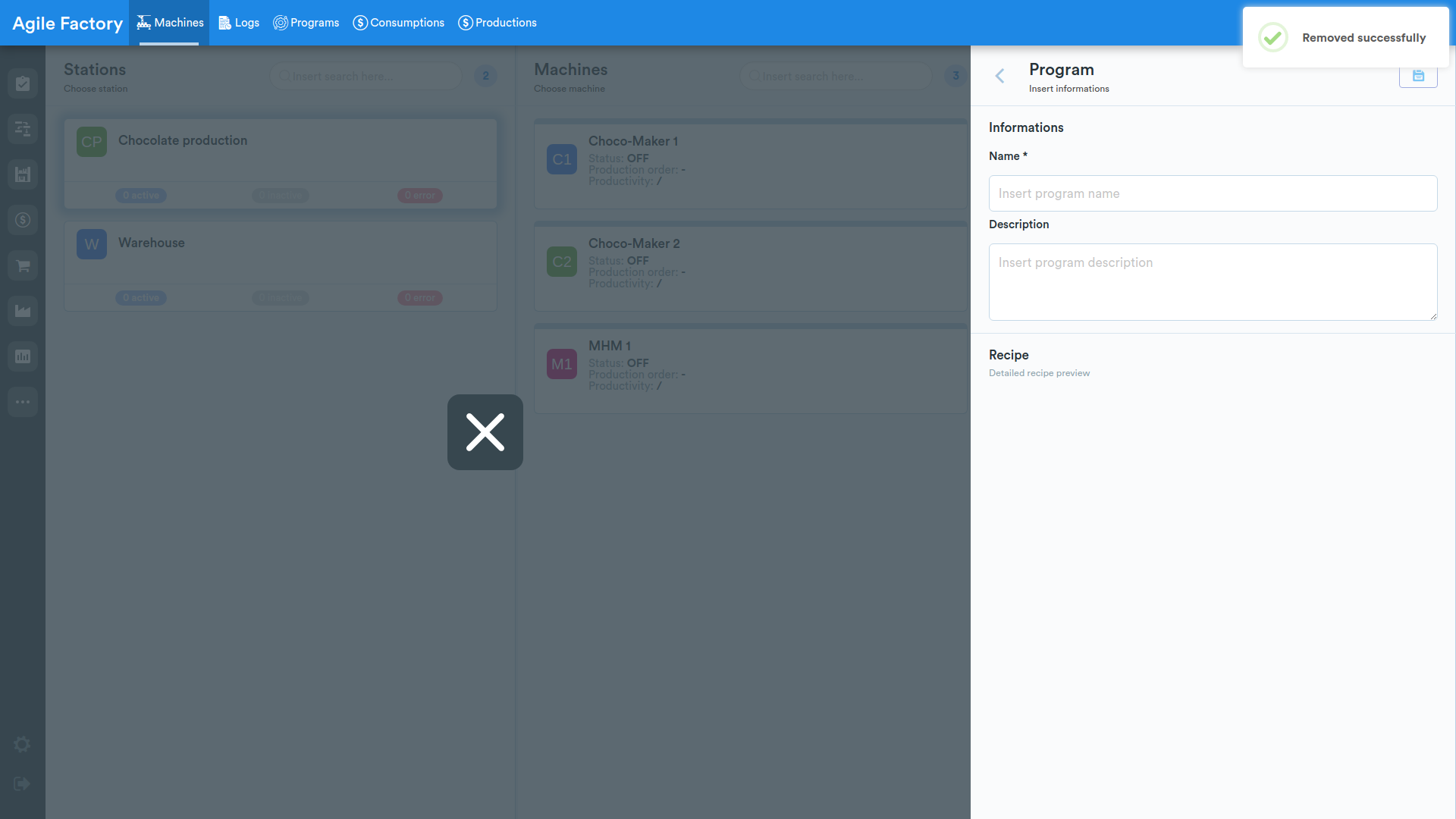
By pressing the +New program button, it is possible to add a new program for the machinery; after filling in the necessary fields, press Save at the top right of the panel.
After selecting a program from the menu, it is possible to assign a specific recipe to the program and a document to be sent to the machine's PLC via the edit function (pencil icon).
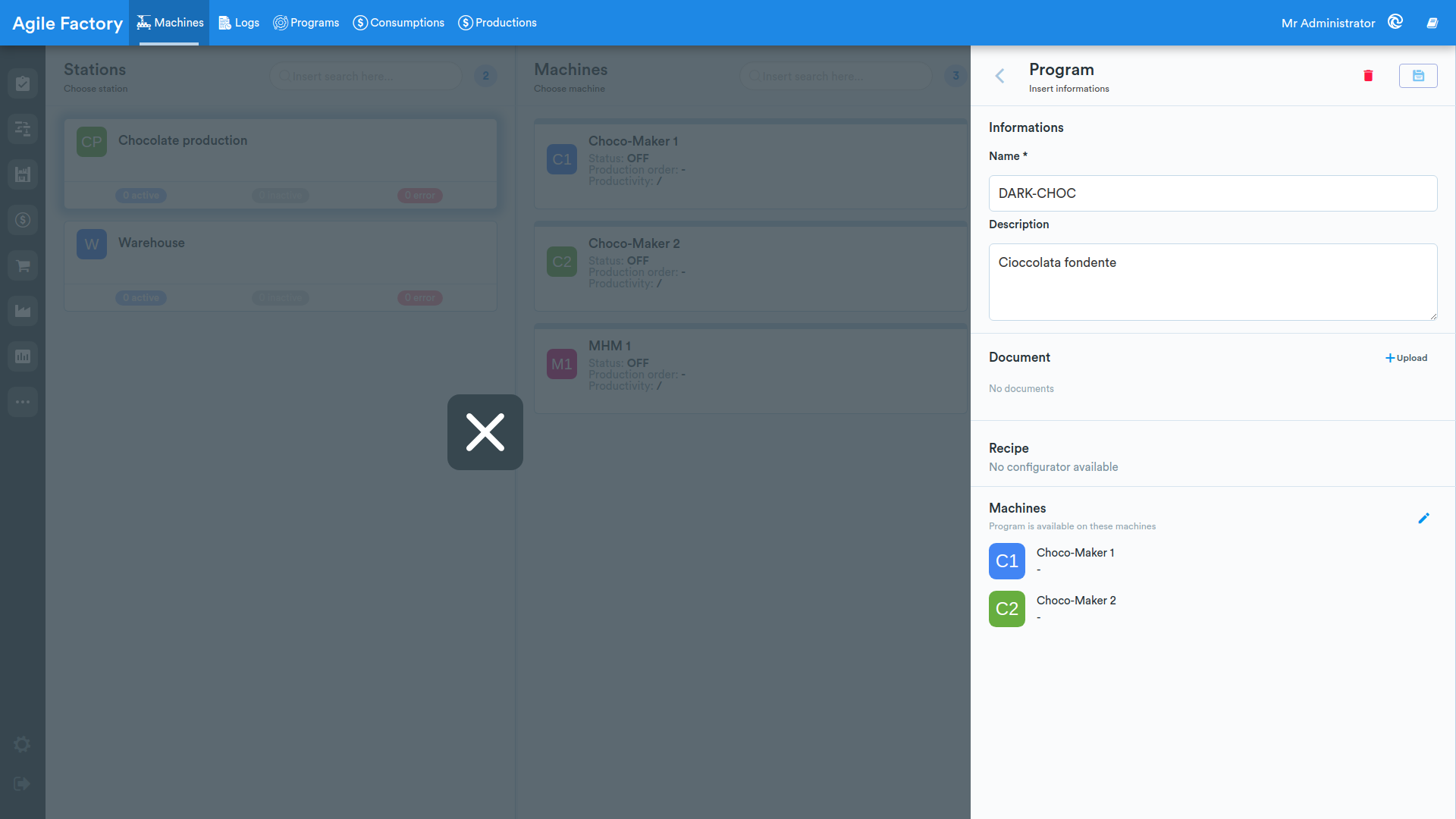
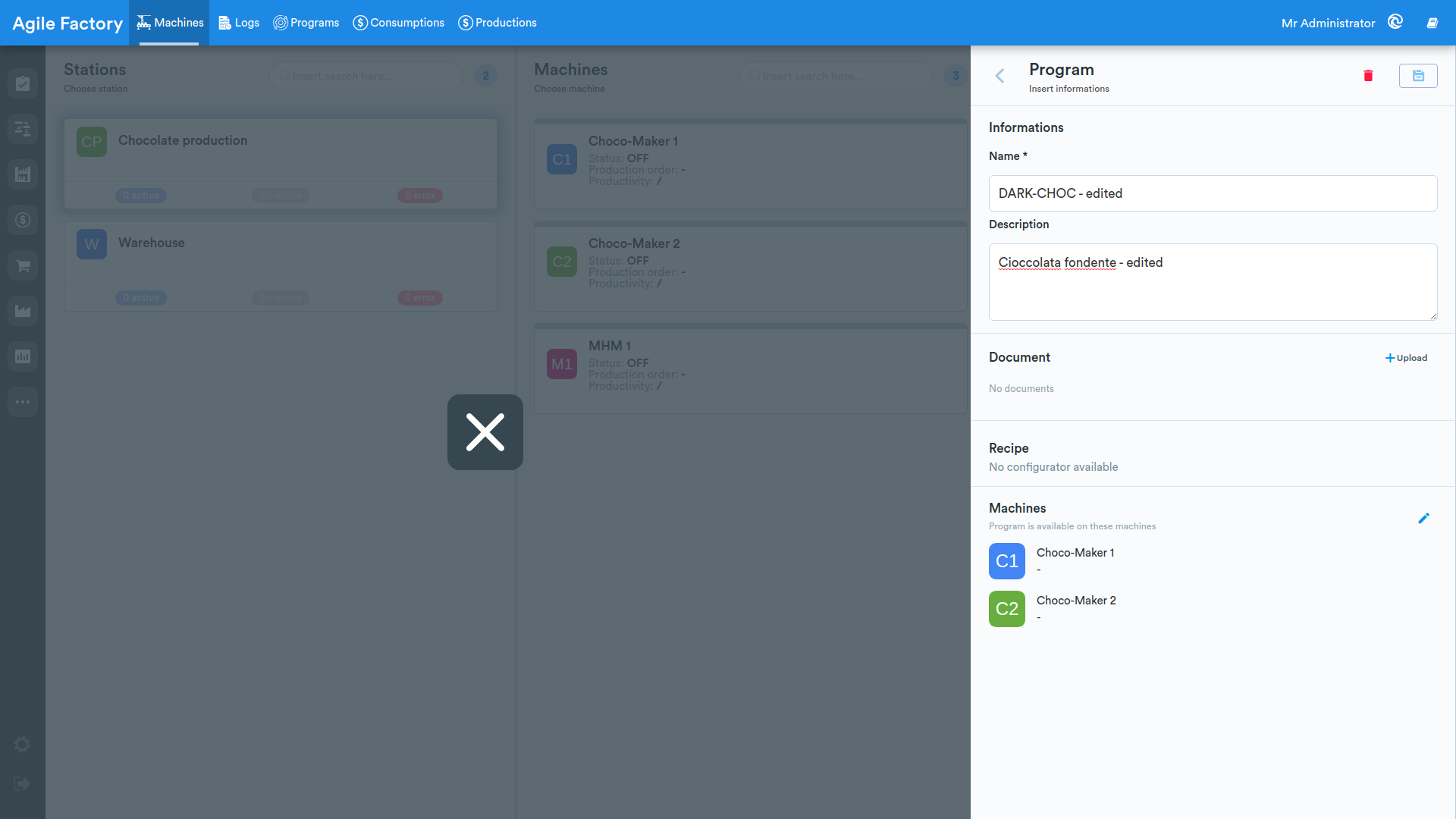
After filling in the necessary fields, press Save at the top right of the panel.
It is possible to assign a program to one or more machines.
Archive
This section of the Connect4i module is a log registry from machinery connected to the system.
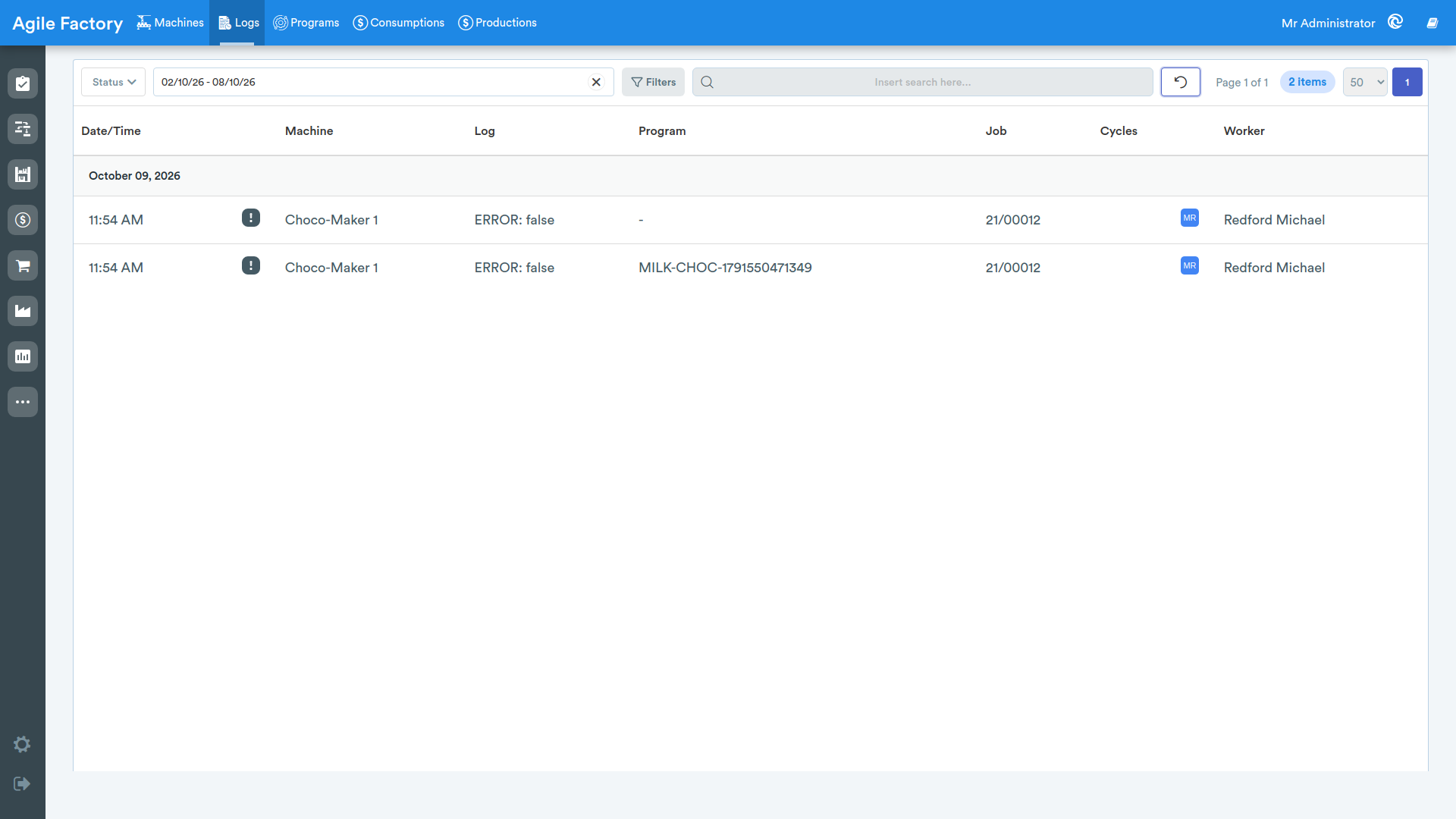
At the top of the screen, various filters are available that allow you to obtain data related to the time period of interest for a specific machine.
- machine status (off, idle, processing, setup, error, maintenance, unknown).
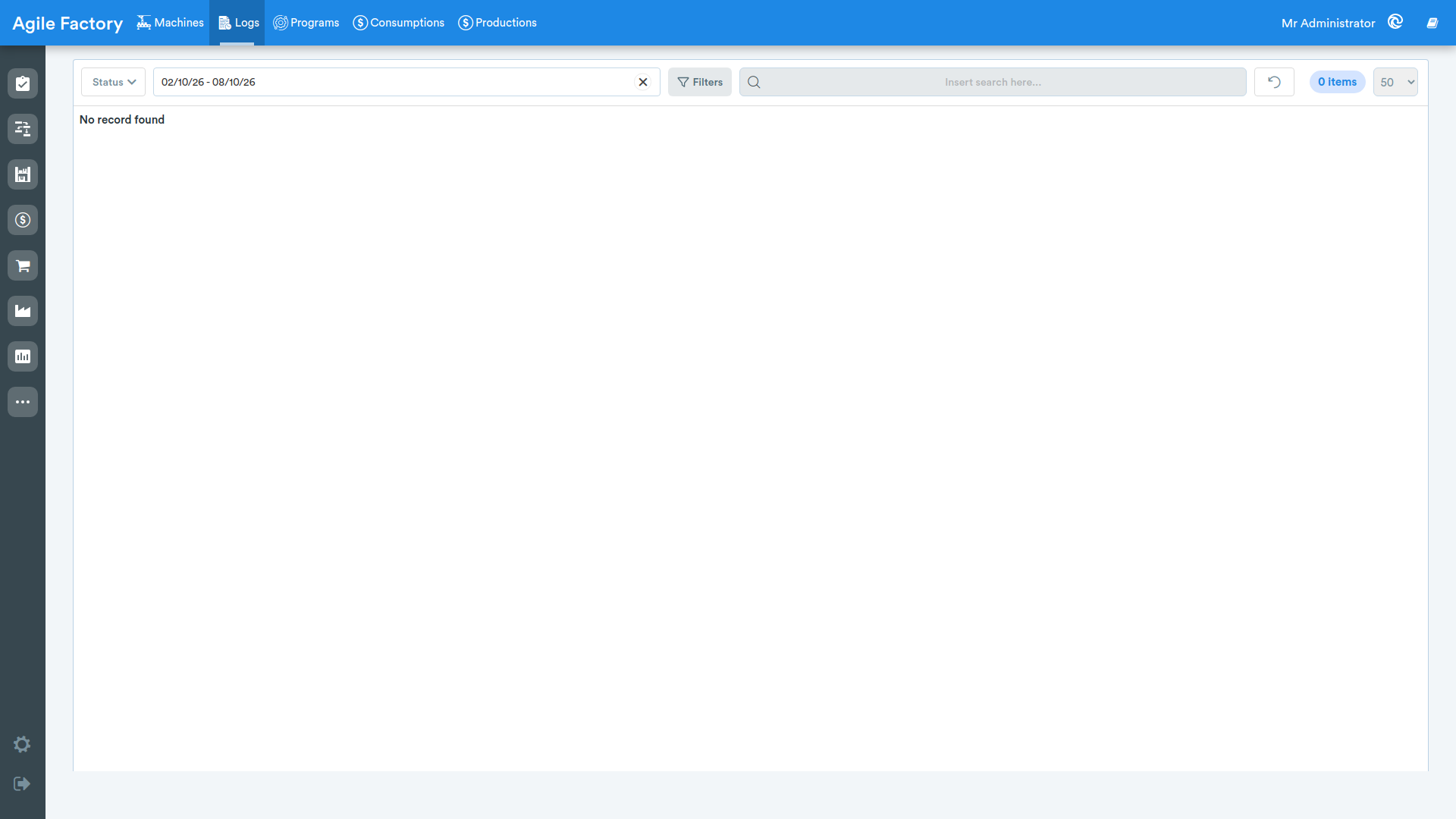
- dates: it is possible to select both a range and a specific date.
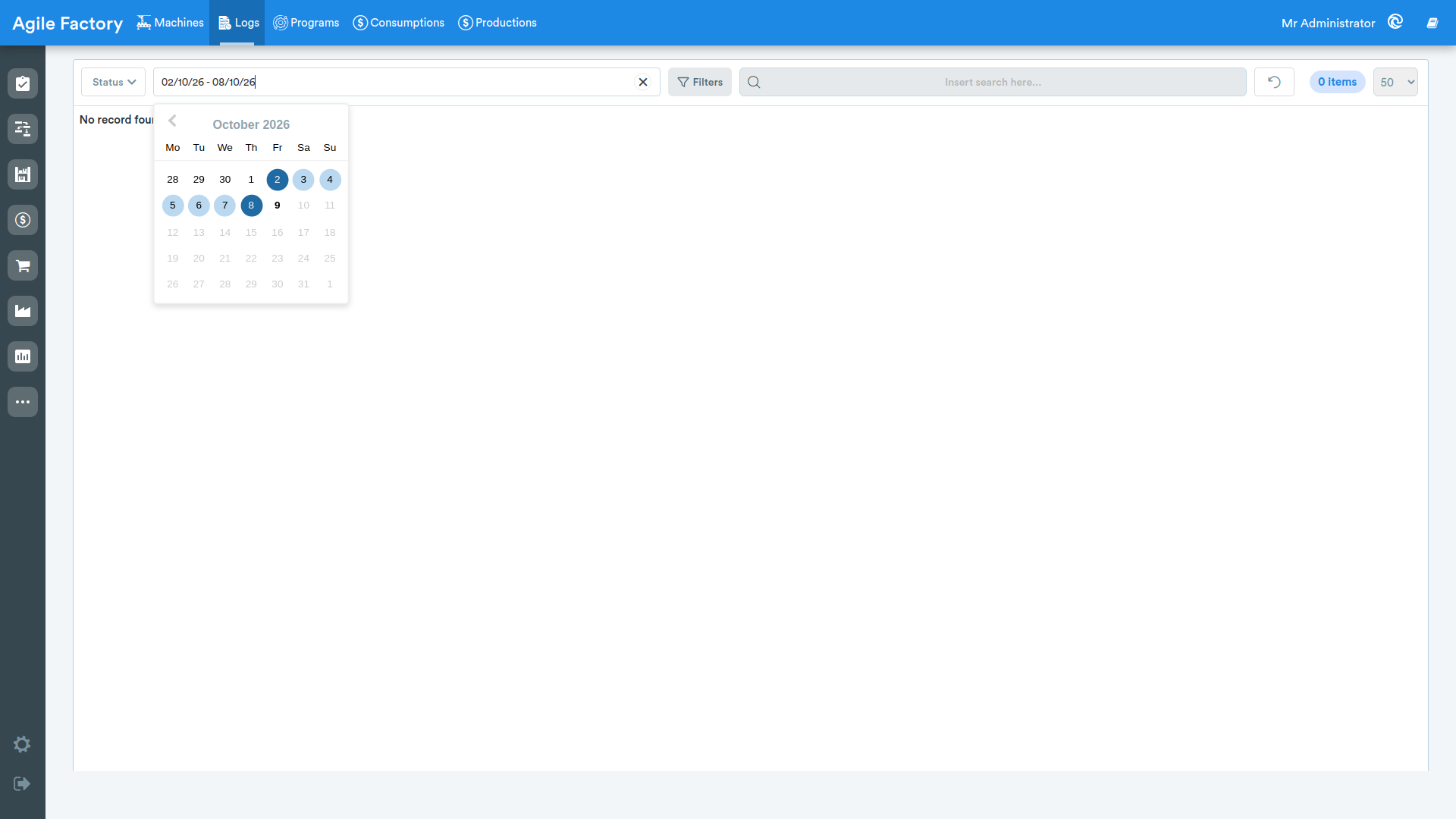
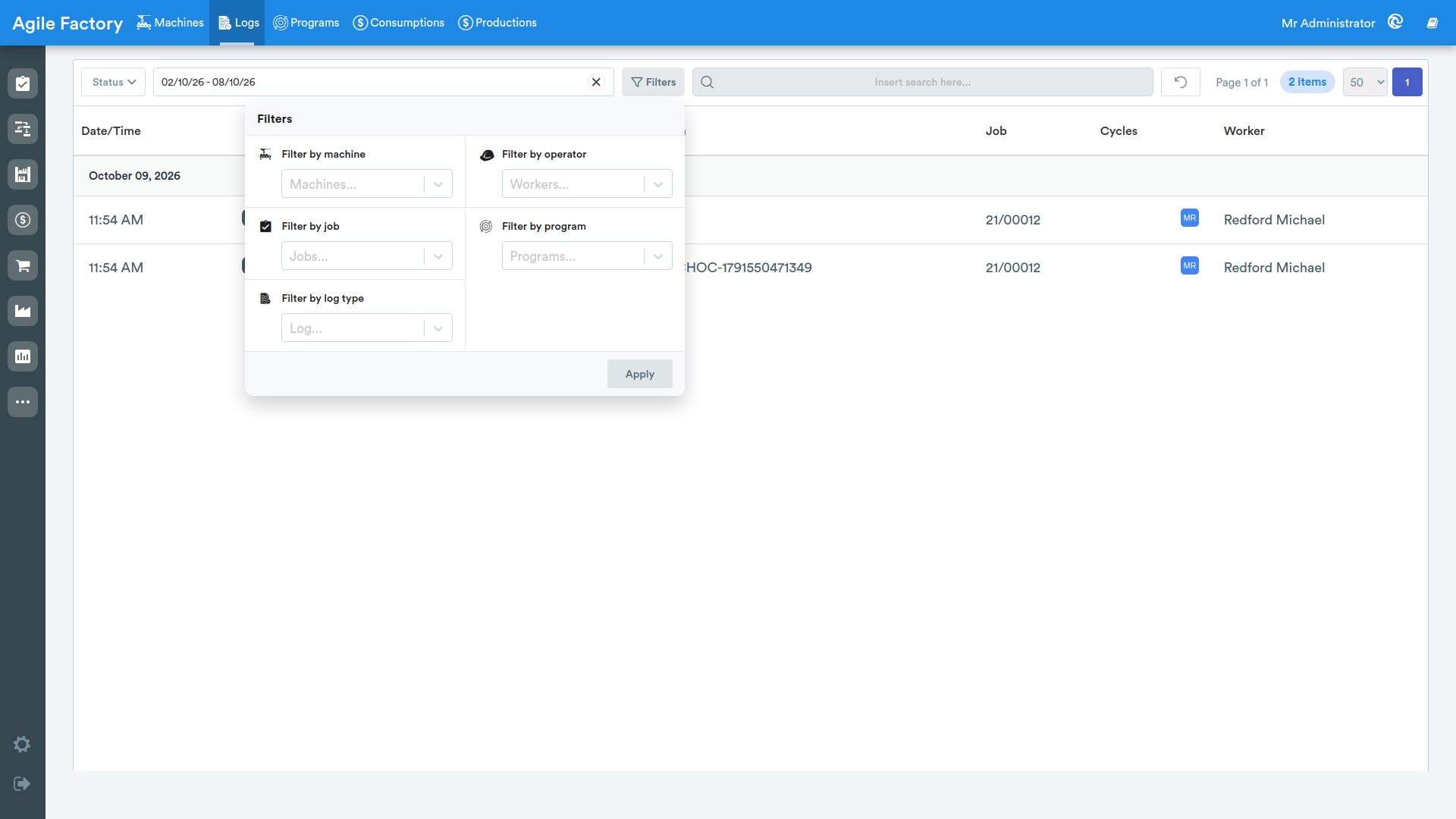
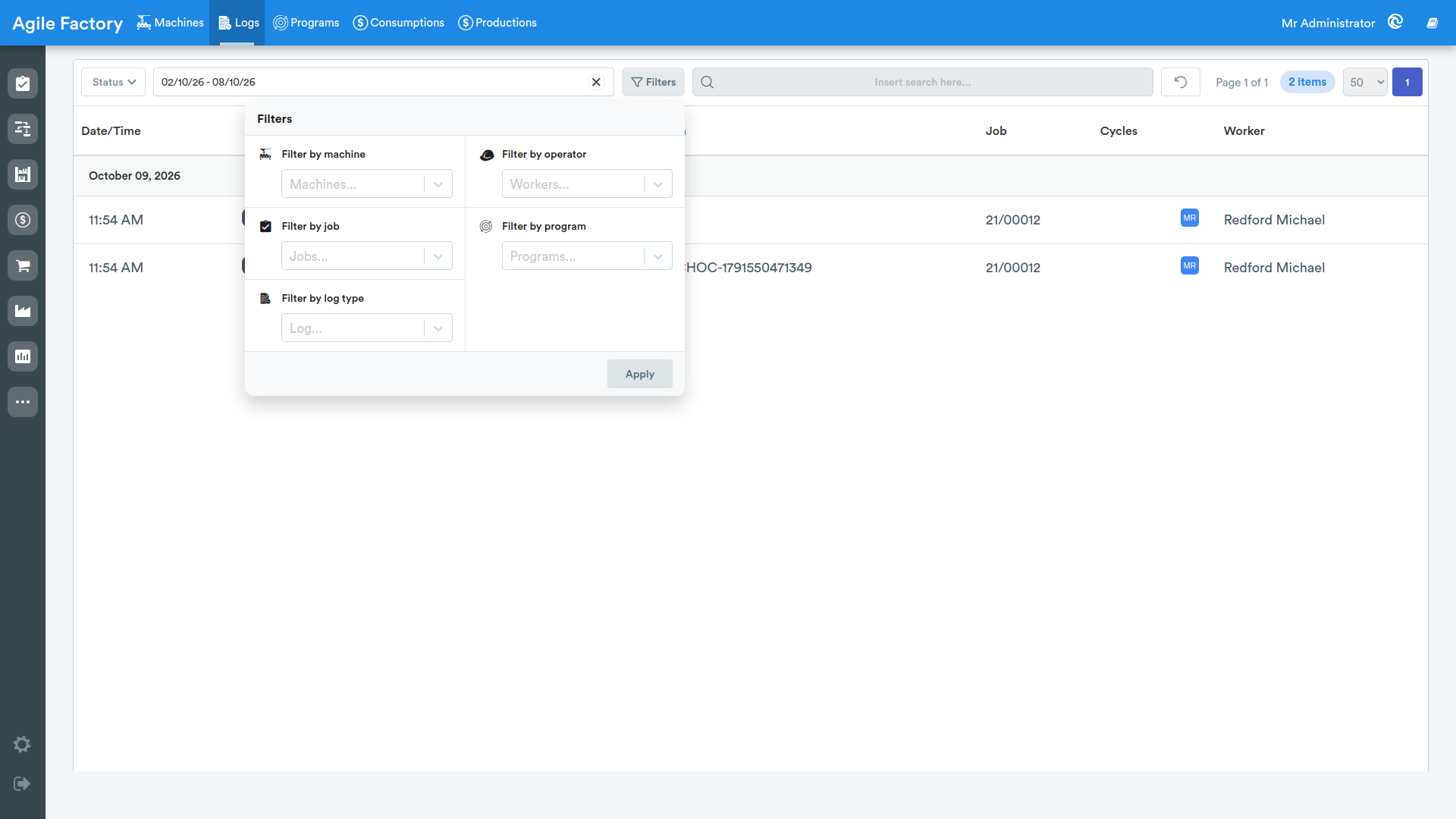
The Filters button opens a panel that groups the additional filters: Filter by machine, Filter by operator, Filter by job, Filter by program and Filter by log type. After selecting the desired values, press Apply to apply the filters.
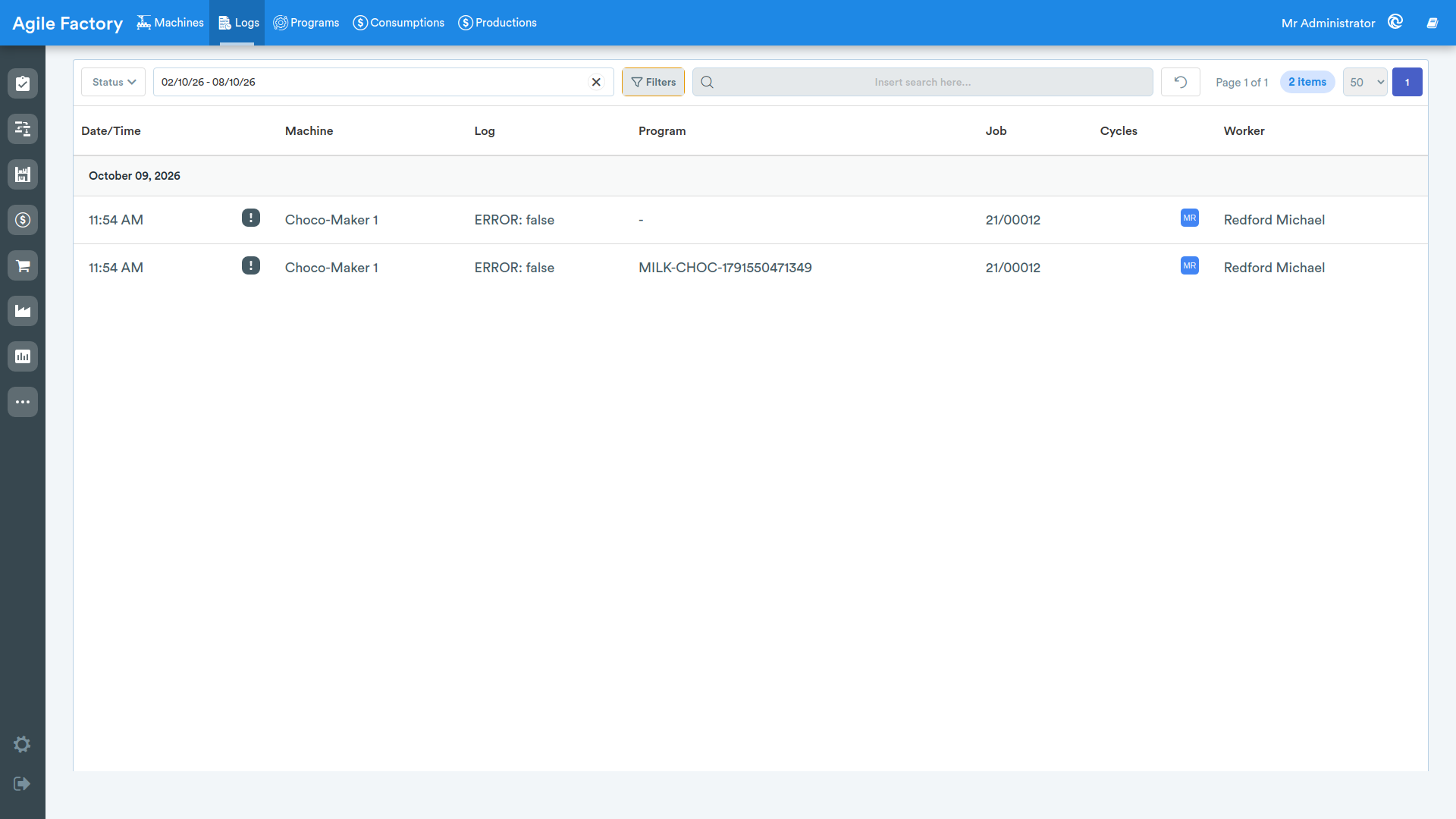
The search field also allows you to filter the logs by entering free text.
Active filters are shown below the toolbar as labels (chips): you can remove an individual filter by pressing the x on its label.
The reset button is used to reset all search filters.
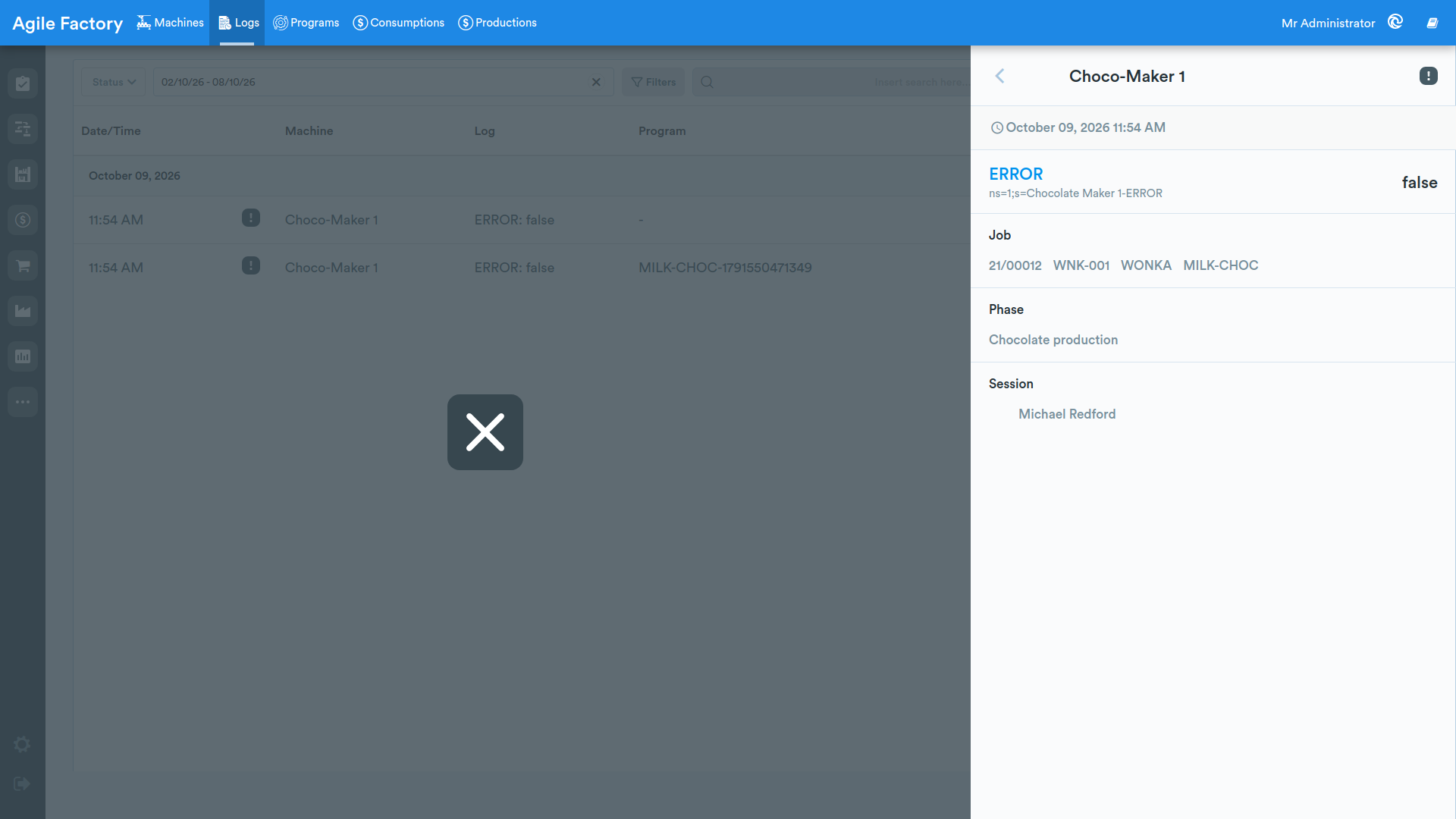
By selecting a row from the list, it is possible to view the machine log details, including machine, date, time, log type, production order details, operation name, work session operator names
Programs
By clicking on Programs, a screen will open where the programs available for machines will be displayed.
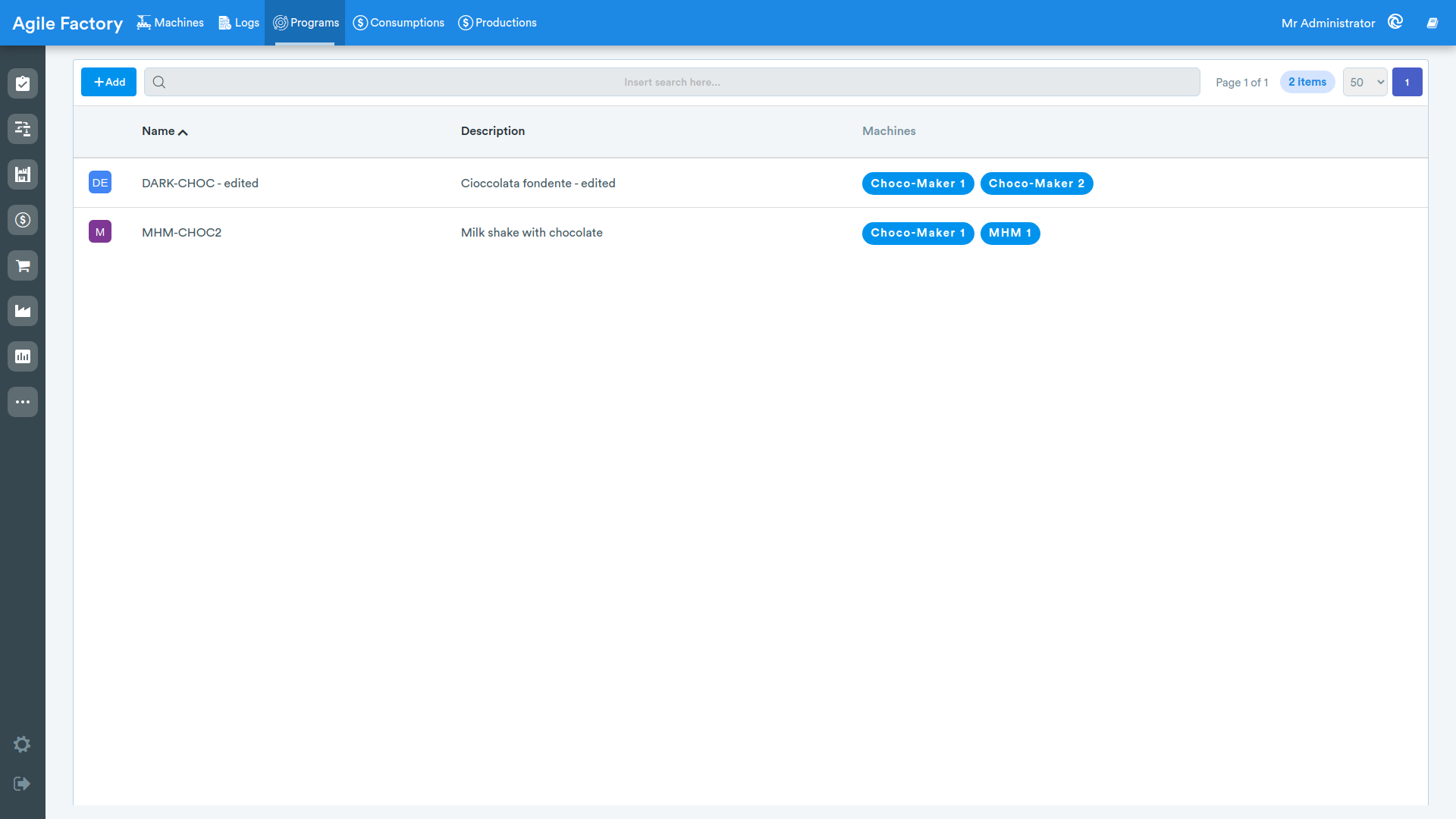
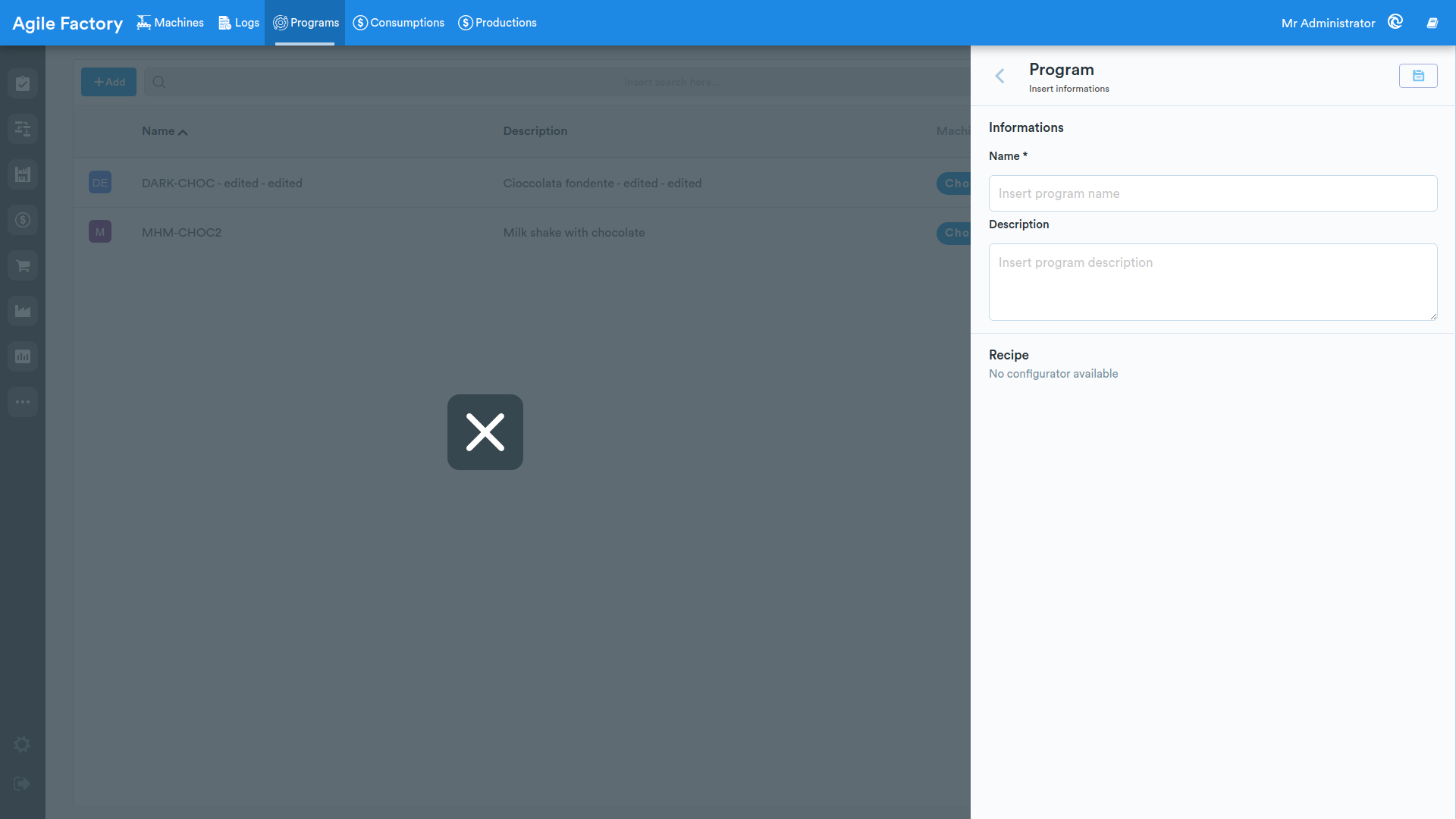
By pressing the Add button, it will be possible to enter details related to the program that will be executed by the machine.
After saving a new program, it is possible to select the machine to which the program will be applied (to select a program, click on the pencil at the bottom right of the screen).
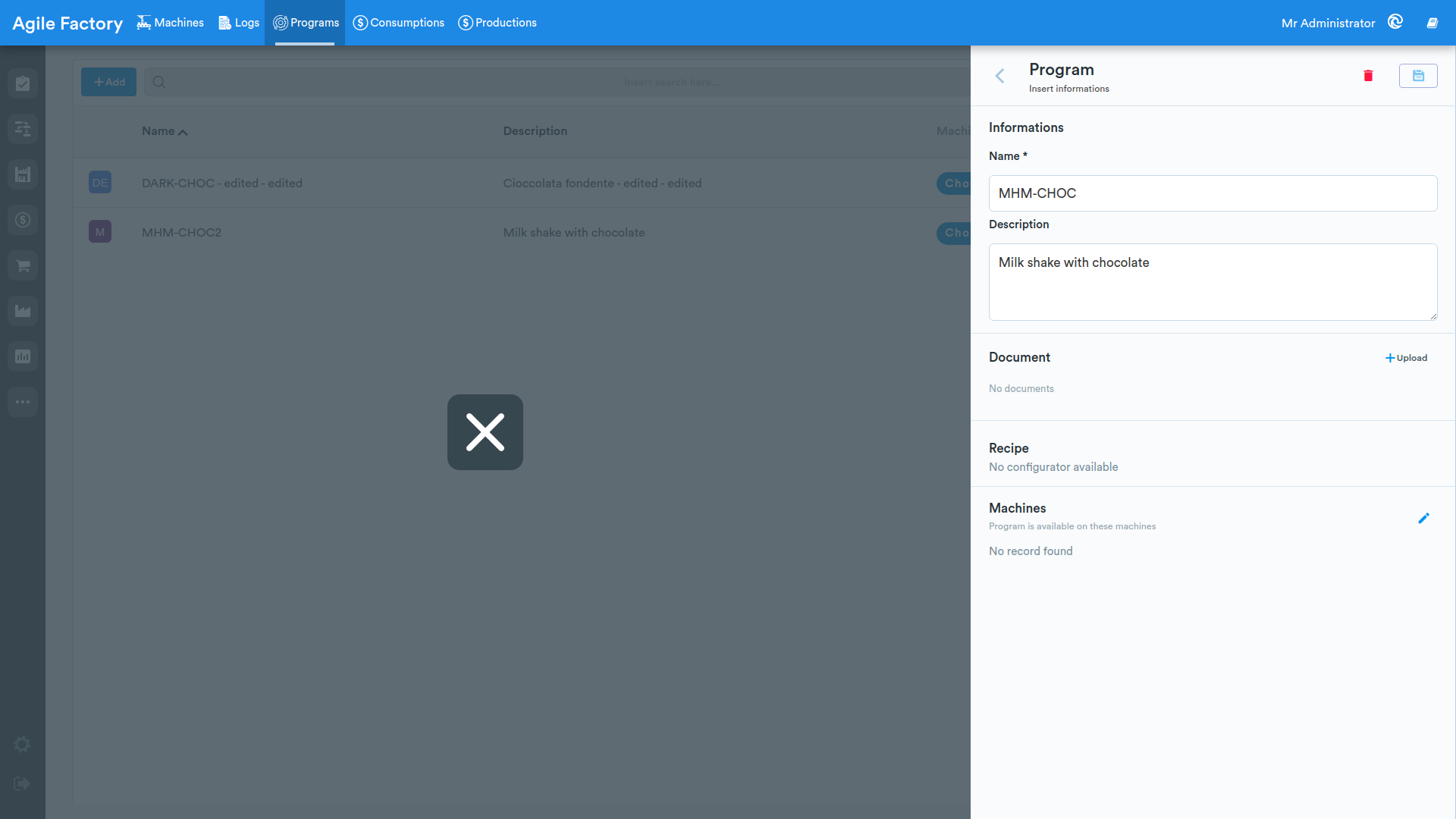
After selecting the desired machine, don't forget to press the Save button.
The programs will be used if the functionality for connecting with industrial machines is available.
Consumption
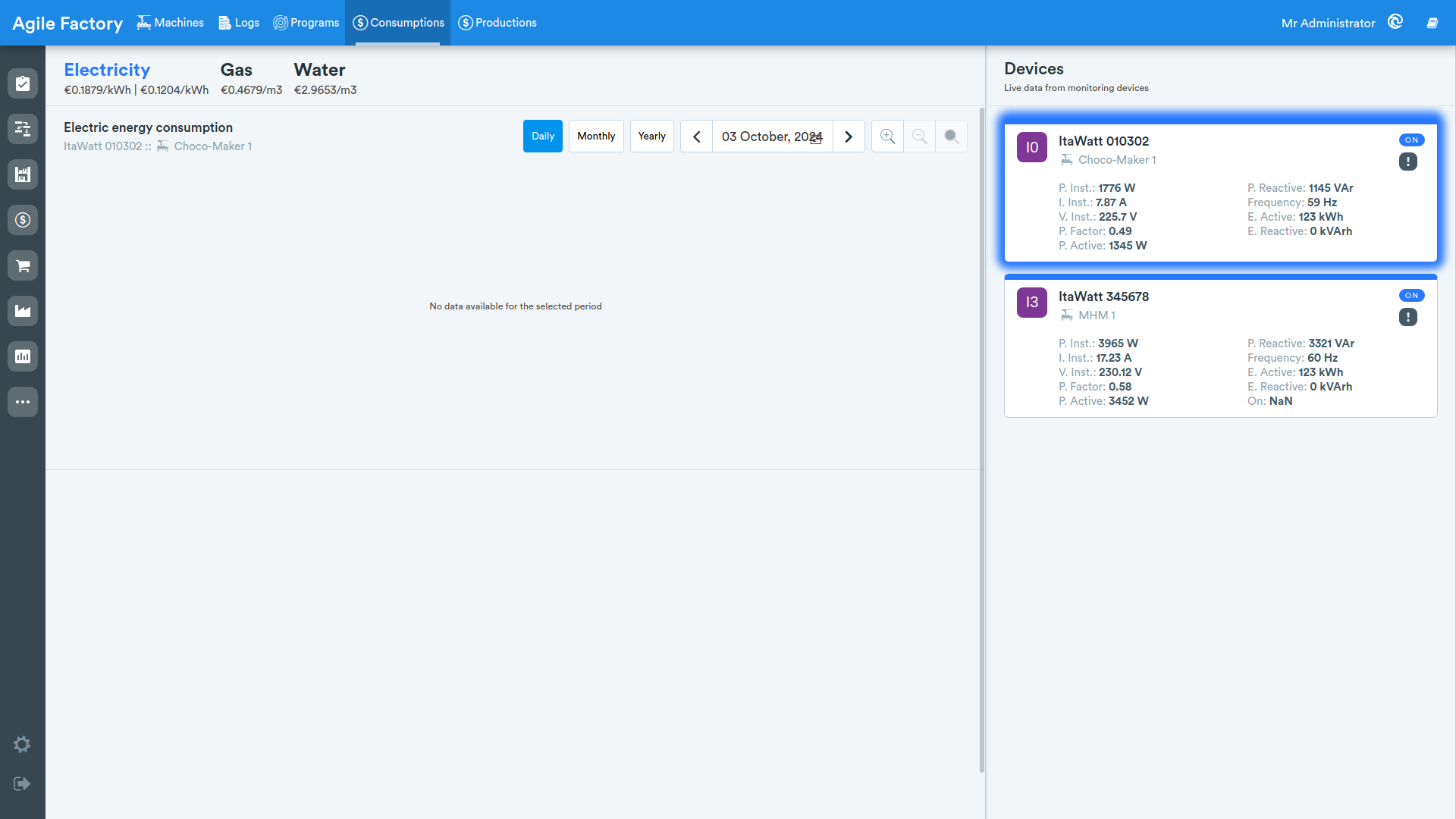
In this section, the user can view graphical data related to resource consumption for production (the resource type is configured with the help of Industrial Cloud specialists). After selecting the resource type at the top left of the screen, the user is shown a list of connected monitoring devices (meters) in the right panel.
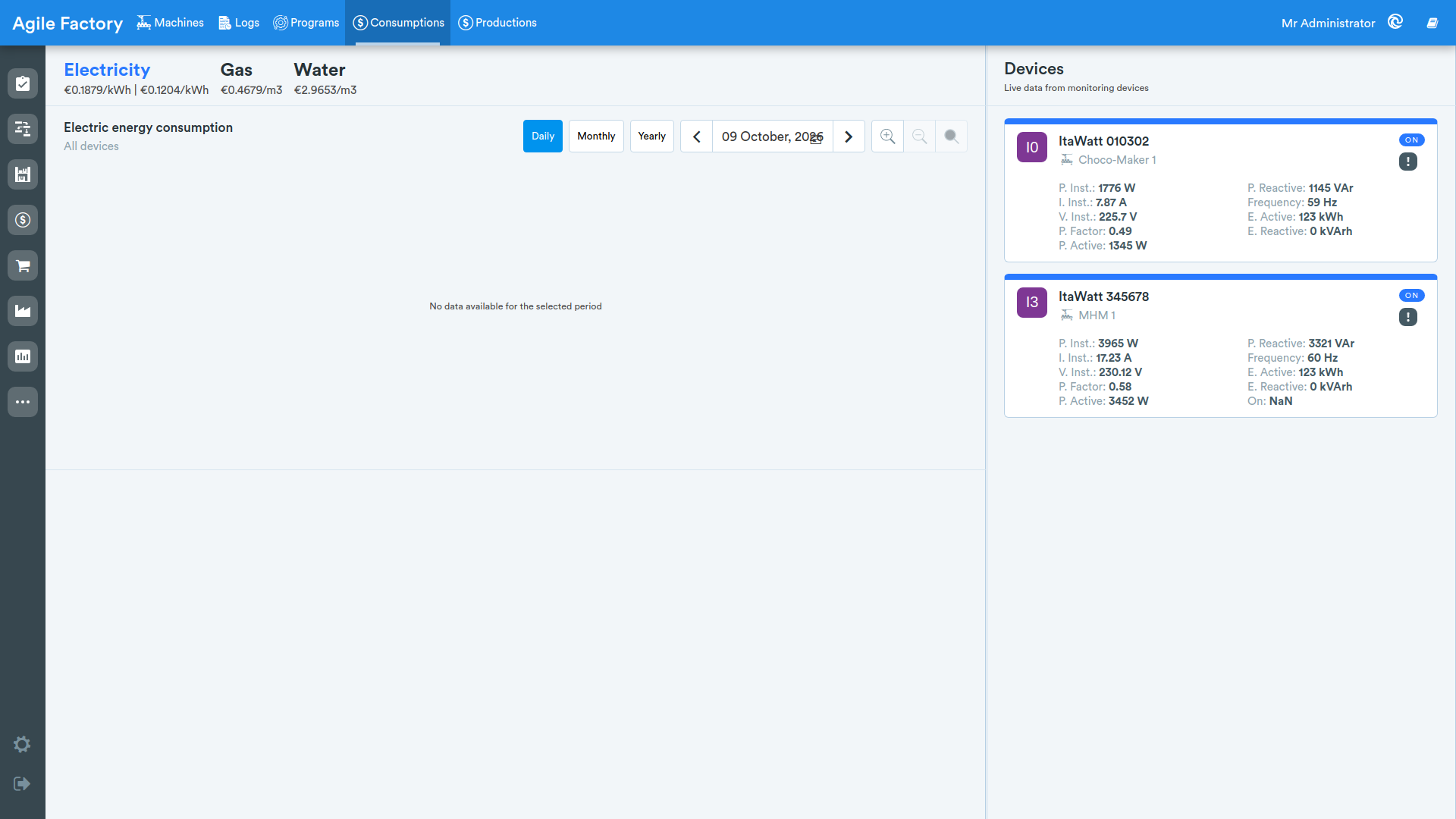
The list of connected devices shows the name and main characteristics of the device. By selecting the device and the subdivision by which the data needs to be displayed, the user is shown the corresponding graph. If the device is not selected, the system shows overall data related to all devices (to view total readings, you can use the 👁️🗨️ button).
Production
In this section, the user can view graphical data related to electricity production (the devices are configured with the help of Industrial Cloud specialists).
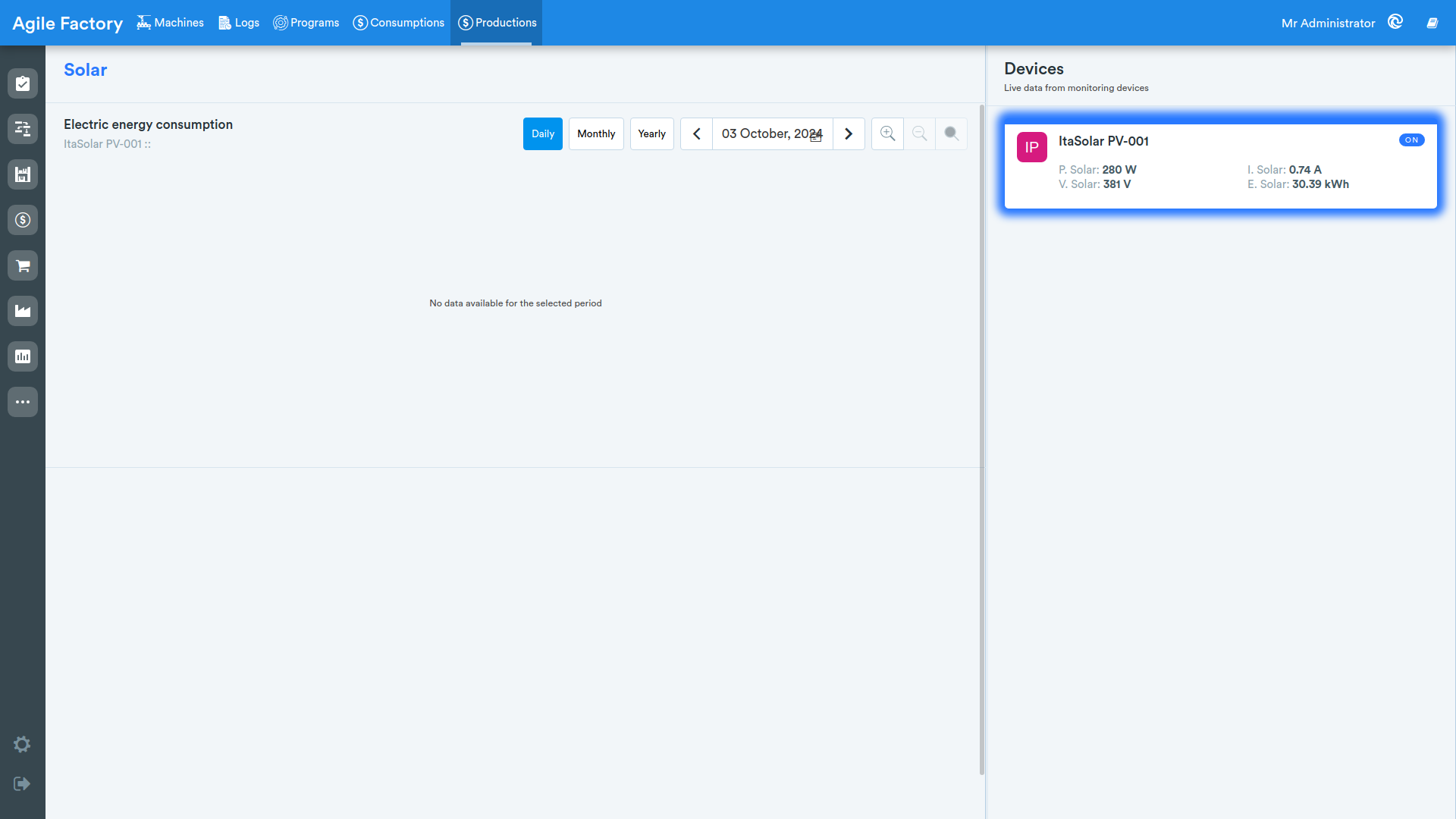
The list of connected devices shows the name and main characteristics of the device. By selecting the device and the subdivision by which the data needs to be displayed, the user is shown the corresponding graph. If the device is not selected, the system shows overall data related to all devices.