Scheduler✨
It is necessary to consider separately the interaction with the operator interface when using the scheduler (the blue button).
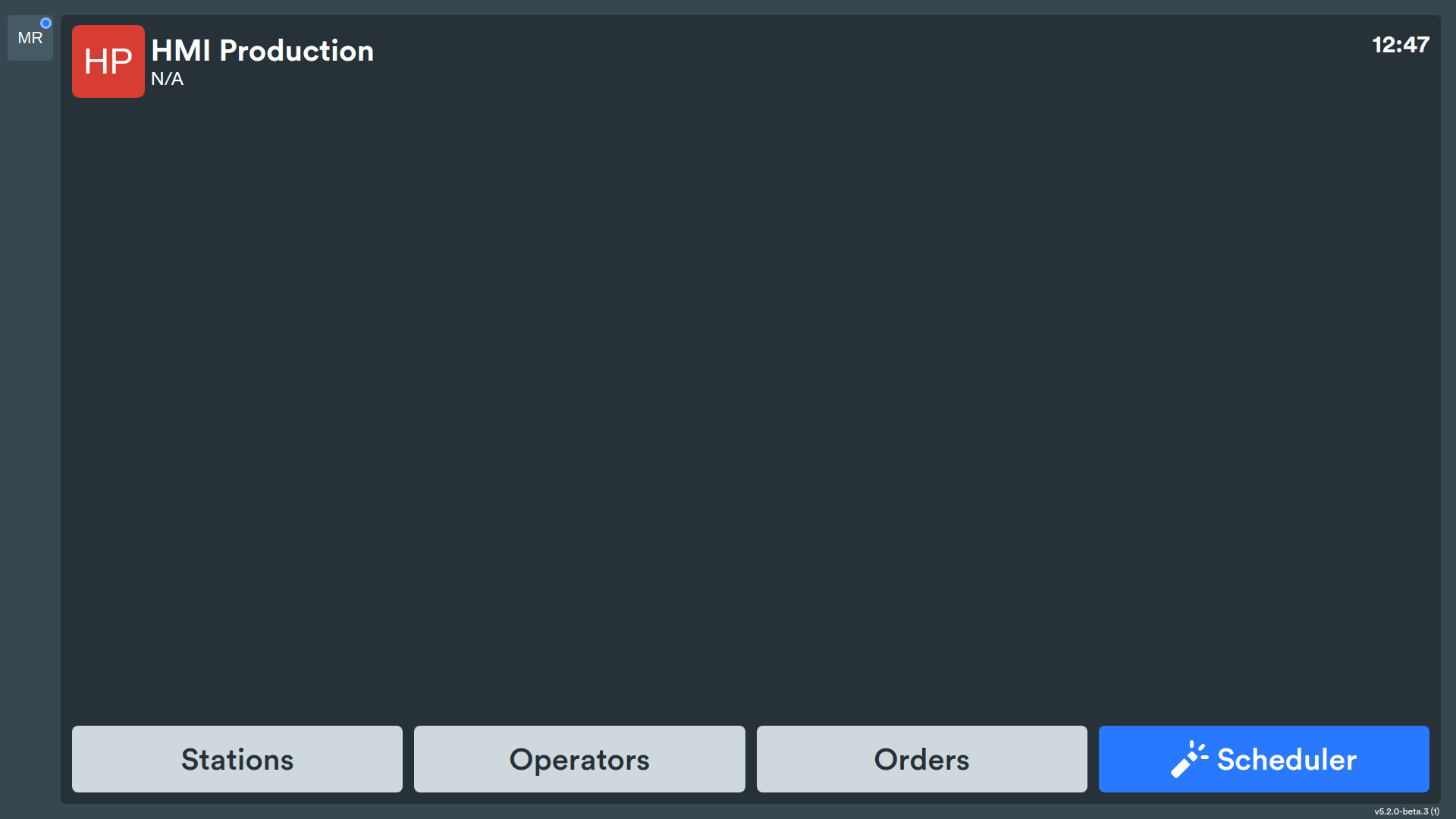
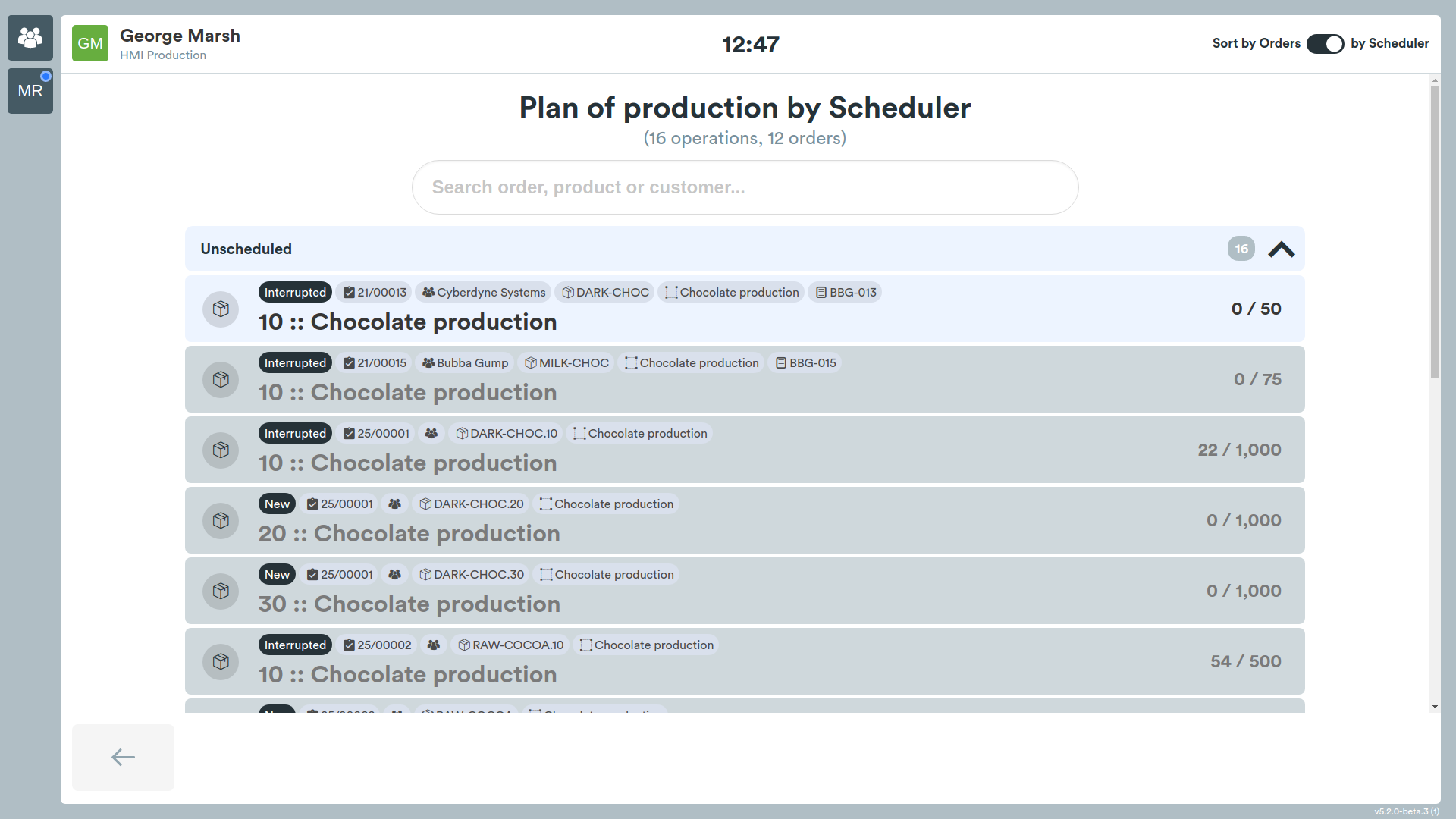
By pressing the Scheduler button and logging into the system, the user is shown a list of operations ordered in sequence, assigned by the dynamic scheduler. The user is asked to select an available operation.
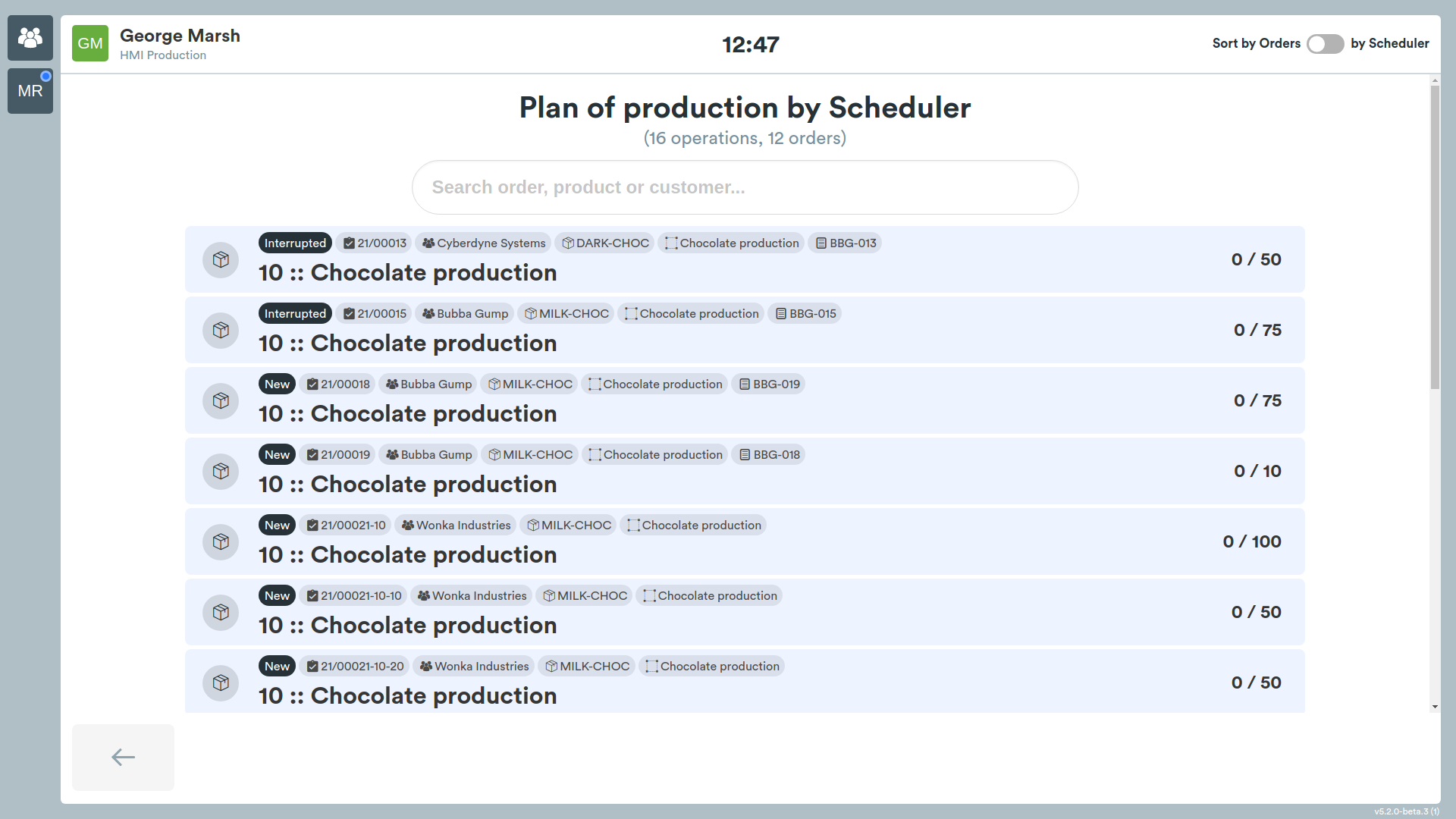
In the upper right corner of the screen there is a button that allows you to sort operations in alphabetical order based on the order name (by default, the display order is determined by the scheduler).
If for some reason the user needs to work off-plan, they can select the desired operation, indicating the reason (the list of reasons can be customized according to needs).
Attention! If the user works off-plan, the dynamic scheduler will recalculate the plan taking into account the operations actually performed.
After selecting the operation, the next steps are similar to standard execution (see here).